The actual reason why your iPhone doesn't let you decline specific incoming calls explained


It seems like there are more spam calls than ever these days, yet sometimes you'll be met with the inability to decline an incoming number when it pops up, leaving you frustrated as you wait for the call to ring out.
It's something that almost every iPhone user has encountered at one point or another, and it's a problem that's also seemingly exclusive to Apple's flagship devices with no obvious way to solve it.
Thankfully not only is there a reason why this odd and often annoying feature was implemented, but there's also a way that you can get around it, rejecting any call that comes your way within just a few moments.
As shared by Supercar Blondie, one thing that you might have noticed is that this issue only occurs when your phone is locked, as if you are already using your iPhone there should be the option to decline the call.
Advert
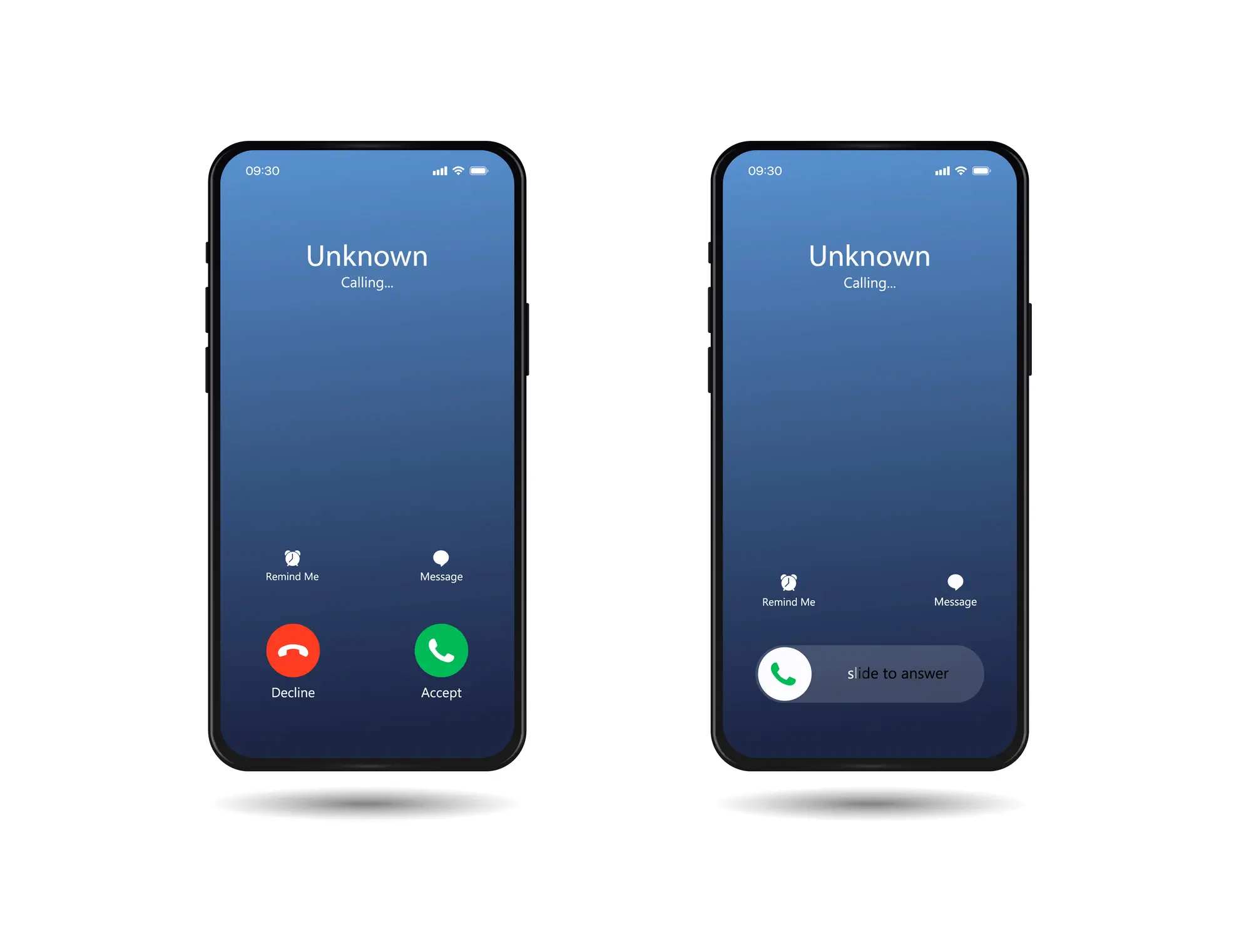
Instead, if a call comes in when the device is locked, there will only be the option to swipe right to accept it, forcing you to wait to use your phone again if you don't know who is calling or you simply don't want to talk right now.
The reason why this tweak was implemented though makes sense, as Apple thought about the types of situations that would arise when someone received a phone call from a locked device.
Picture this — you hear your ringtone or the buzzing of a vibrating phone when it's in your pocket or in the depths of your bag, only to realise that you've either declined it or accidentally answered earlier than expected while trying to grab and fumble the device to your ear.
Now, with the requirement to swipe the chances of that happening are significantly reduced, as a more purposeful effort is needed to start the call.
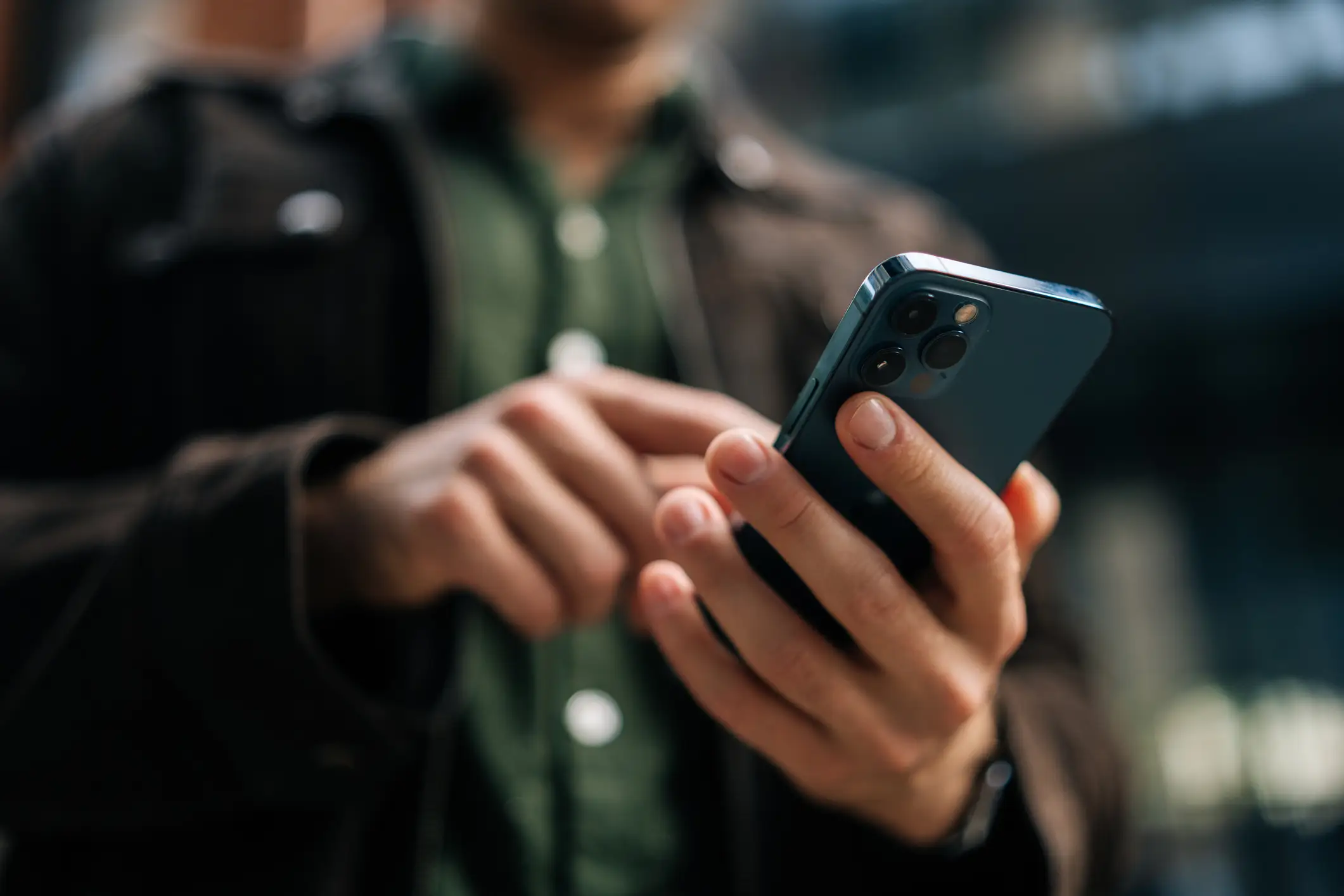
There is also a way that you can ignore the swipe and reject the call immediately, however, as all you need to do is press the lock button once to silence the ringtone, and then once more to reject the call.
This will definitely come in handy in those times when you want to quickly use your phone without the distraction of a call, and the person on the other end will also be sent straight to voicemail where they can decide whether to leave you a message or pester you another time.