
iPhone users puzzled at new pop up that appears every time they open a game


iPhone users are debating a puzzling new pop-up that appears every time they play a particular game after updating their smartphone with the latest software.
Tech enthusiasts will already be well aware that earlier this week Apple made its latest operating system iOS 18 available to download.
Since Monday (September 16), mobile users have been trying out the new-and-improved Photo app, getting to grips with RCS Messaging and learning their iPhone battery life may have taken a hit while their device was re-calibrating.
Advert
But another little-known feature of iOS 18 has social media abuzz, with one user of X, formerly known as Twitter writing: “iOS18 is available for my fellow iPhone people, and a new feature ‘Game Mode” is activated every time you open Pokémon Go.
“So far the gameplay feels really smooth. Let me guess, Android people have had this for years?”
Speaking about the dedicated ‘Game Mode’, someone else replied: “I’ve been on the beta for a few months it’s been fire.”
Elsewhere, another user remarked: “Apparently there’s a new game mode for iOS/iPadOS 18 which enhances game performance. I thought it’d let me play BA on my aging iPad mini 5 but I crashed again. So I’m gonna stick to Android as I don’t encounter crashes on my Redmi device.”
“Omg just found out Apple AirPlay seems to have some kind of ‘game mode’ where it seems to have low latency and displays the game in a better aspect ratio on the TV… and the Delta emulator supports it,” commented a fourth user. “I’m gonna use this for so much emulation now.”
However, not everyone is on board with the new update, with one writing: “Nah, don't need game mode. Pokémon Go already works very well with iOS in general. Android on the other hand…”
“Game mode? Yes. But smooth Pokémon GO? Nope,” typed a second.
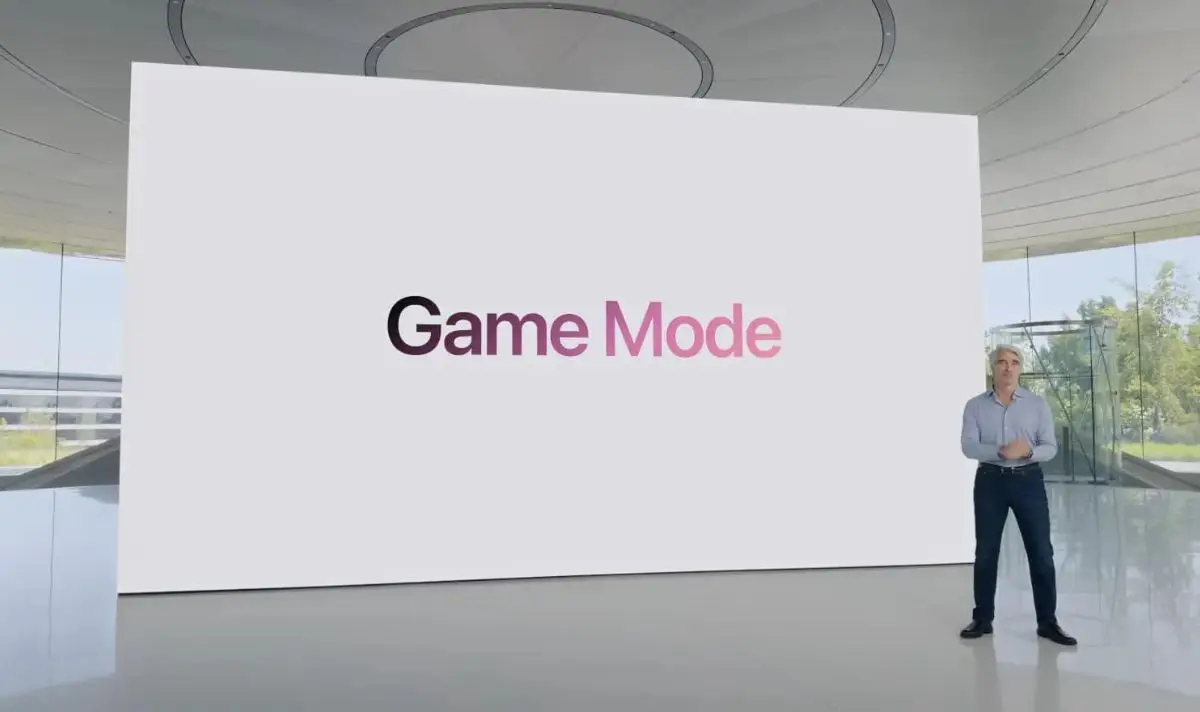
iOS 18: What is Game Mode?
According to Apple Support, Game Mode prioritises the performance of your game for a ‘smoother, more consistent frame rates and improved in-game responsiveness’.
Not only does Game Mode lower usage for background tasks but it doubles the Bluetooth sampling rate.
This in turn reduces input latency and audio latency for wireless accessories such as game controllers and AirPods.
According to The Sun, Game Mode has a tendency to shut down apps that you have running in the background of your phone but the likes of Spotify and Apple Music are likely to stay open.
What games can you use Game Mode with on iPhone?
Pokémon Go, Geshin Impact and Mini Metro are just three of the mobile games on iPhone that utilise Game Mode.
It’s expected that Game Mode will have the biggest impact on demanding 3D titles such as Resident Evil Village, as per How To Geek.
As long as you are running iOS 18 on your mobile device then you should be good to go.

How to turn off Game Mode?
Unfortunately, it isn’t possible to turn off Game Mode in Settings.
Instead, you must launch a game where the system is utilised and wait to receive the notification explaining that Game Mode is on.
From there, you need to click on the pop-up which should take you to a dedicated menu offering you to the option to toggle it off.
If you missed the window when it popped up or have changed your mind and want to turn Game Mode back on, then there is a fix for that.
Pull down from the top right of the screen to open the Control Center where you will see a label for your game.
Tap this and it will bring you to the option to toggle the mode on or off.
Happy gaming!