Featured Image Credit: Spencer Platt / Staff via Getty
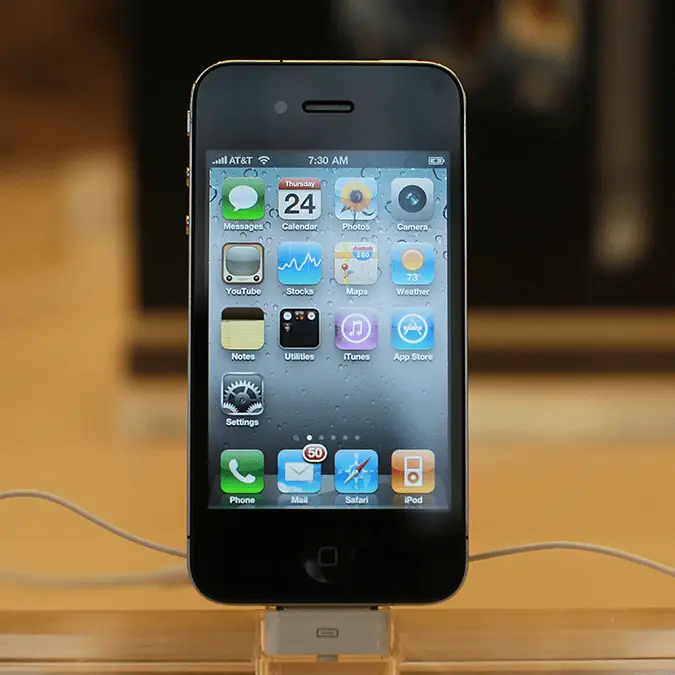
While there's a surprising number of people looking to downgrade their device with an iPhone that's been considered 'obsolete' for years, you might want to cash in on your current gadget and consider upgrading to Apple's latest and greatest while you can.
Many people might consider the standard iPhone 17 to be Apple's best deal in years when it comes to smartphones, yet buying a new device outright is a considerable outlay for most and anything you can do to raise funds will help that out.
The logical step is to sell or trade in your current gadget, as while it seems like a great idea to have a backup just in case something happens, the likelihood is that it'll sit in a drawer collecting dust for years to come.
Current trends on social media have provided a renewed interested in older, more 'retro' devices though, and that might mean that there's no better time than now to prep for older iPhone for sale, yet there's still some things you'll want to do beforehand.
Advert
As detailed by PCMag, there are a few steps that you'll want to make sure you've completed before you sell your old iPhone, as it protects you against data theft and ensures that the transition process from one device to the next is as seamless as possible.
You might not even need to complete this step as most people have it enabled automatically, but you'll want to double check that your data is backed up before selling your device and switching to a new one.
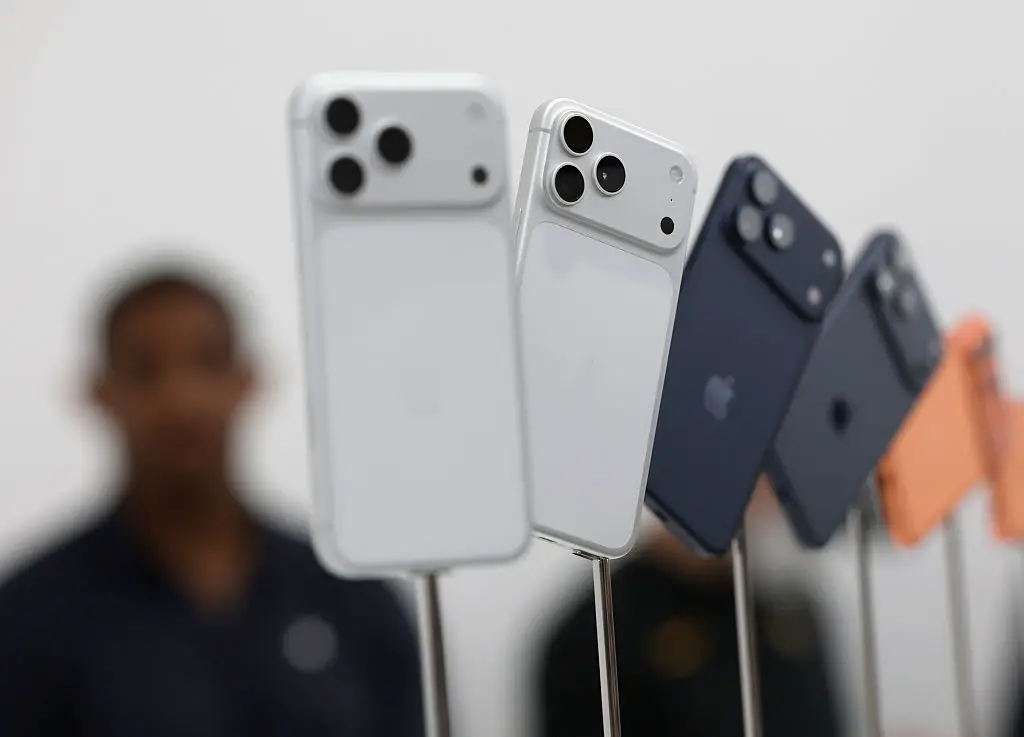
One of the biggest benefits of current cloud technology is that it's easier than ever to move from one gadget to the next, as data isn't really stored locally.
Activating a backup means that all of your photos, contacts, apps, and pretty much everything else on your iPhone is automatically transferred to the new device without you having to do a single thing.
Even if you're moving away from the Apple ecosystem you'll want to ensure this is enabled, as you never know if you'll be back in the future and those photos have to stay somewhere.
You'll also want to make sure you've signed out of everything that's linked to your Apple account, as that avoids anyone else accessing your private data when they buy your phone afterwards.
This involves iCloud in general, alongside specific apps like iMessage and Find My — with the latter being especially important as that could technically allow someone else to track your location or the location of your other Apple devices.
To do this, you'll want to first head to the Settings menu, then select your name at the top. Choose the 'Sign Out' option, enter your login details, and then select 'Turn Off' to disable your iCloud.
From there, go back to Settings, then select Apps, and navigate to Messages where you'll want to scroll down until you can turn off the iMessage option.
Finally, head back to Settings one last time, choose the Find My section, and then disable that to complete the set.
If you've got any connected devices like an Apple Watch or AirPods then you'll want to make sure they're disconnected too, and you can do that by heading back into the Settings menu.
For your AirPods, go to the Bluetooth section and tap the 'i' button next to your AirPods when they show up. From here, select 'Forget this Device' to remove them from your phone.
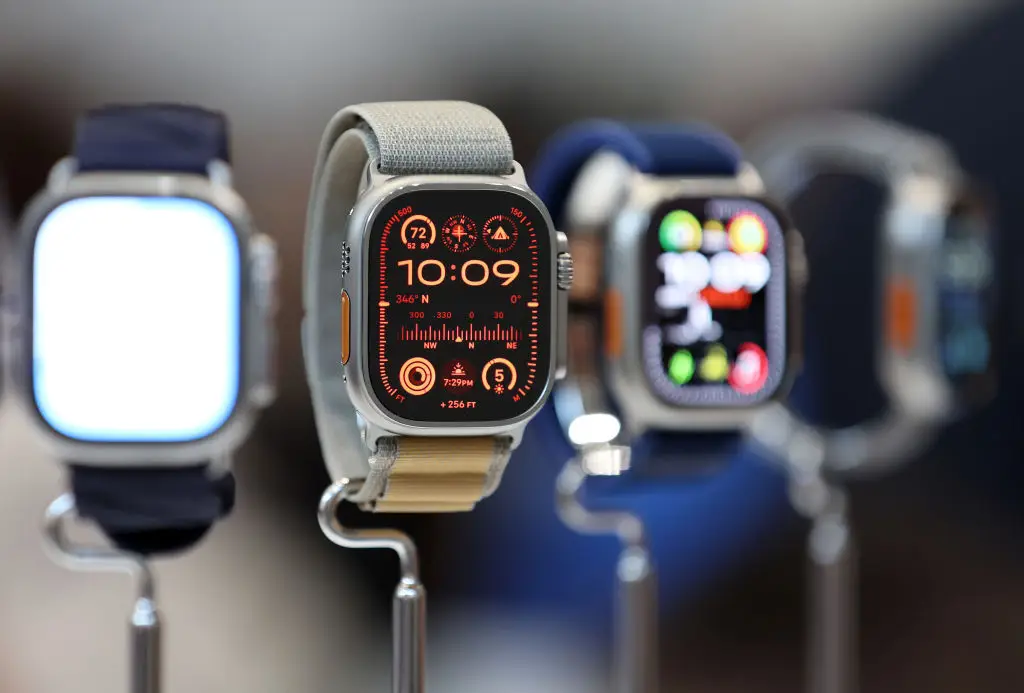
To unpair an Apple Watch, head to the My Watch section of the Settings, then select All Watches, and press the same 'i' button next to your watch. After this, tap 'Unpair Apple Watch' to complete the process.
Finally, the last thing you'll want to do is completely reset your iPhone, which will remove all data and settings, effectively returning it to how it was when you first bought it.
This is completely final so make sure you've completed all of the other steps before you do this, but once you're ready you'll want to head to Settings, General, then Transfer or Reset iPhone.
Once you're here, the final step is to select Erase All Content and Settings, and then approve all of the following procedures to complete it all.
After that's all done you'll want to double check that your SIM card is also removed from the device if you've got a physical one, and now you should be good to sell!

