
Your Apple TV is hiding a 'secret' menu and it could change the way you stream


Apple TV is home to some of the most celebrated TV shows in recent years, yet you might still not be using the service to its full potential due to the handful of settings available within a 'secret' menu on the app.
While some have criticised the frequency of its output, few can deny the quality of Apple TV's offerings, as you'll not only be able to enjoy critically acclaimed shows like Severance, The Morning Show, and Pluribus, but there's also a dense library of original films and hit movies to rent.
The service features much of the same attention to detail that made Apple the company it is today, including a practically-made intro video that is far more impressive than it has any right to be.
Enjoying that on a native Apple TV device makes the experience feel even more streamlined too, alongside a number of your other favorite streaming apps.
Advert
Even if you've watched every TV show and film that you possibly can, there's a good chance you're still missing out on some of the service's most intriguing features thanks to one 'hidden' menu many haven't accessed.

As shared by Supercar Blondie, this secret menu is specifically designed for developers to access or for troubleshooting means, but everyone who has access to the device can find it if they want, so long as they know what to look for.
Some claim that these settings are enough to completely change how you stream on your device, although that can very much depend on the goals of each individual user.
Inside the menu you'll be able to find settings relating to AppleConnect and VPNs, alongside a number of configuration options that can tweak the experience and potentially solve some issues with the device.
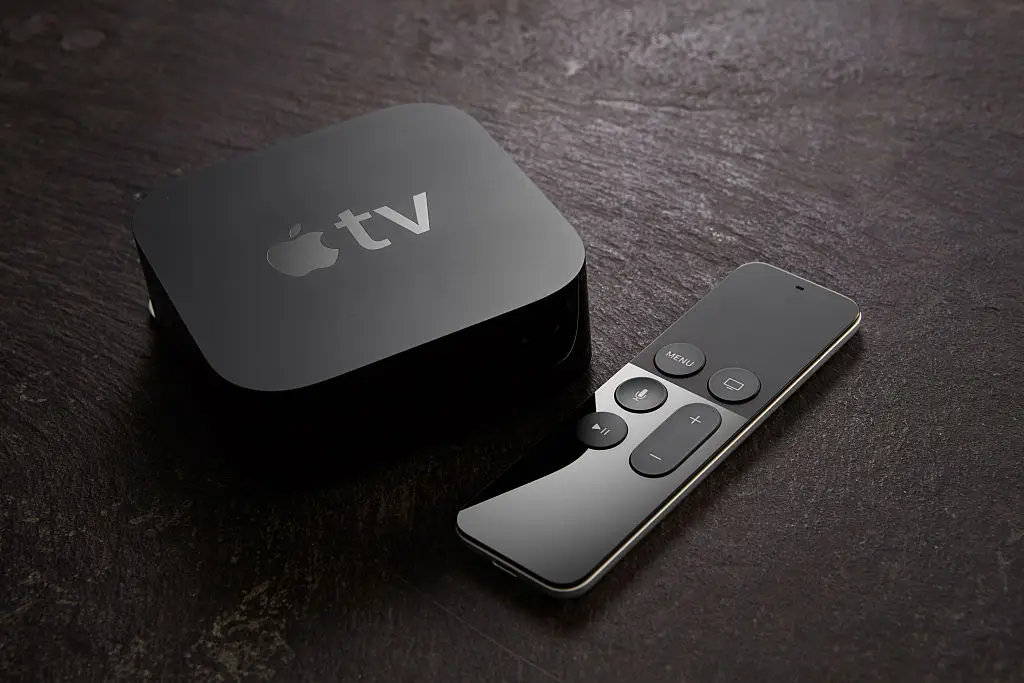
It's not necessarily something that you'll want to play around with if you don't know what you're doing, however, as tweaking the wrong thing can mess with the device in a way that you might not know how to fix.
If you're confident in your tech knowledge and want to see what you're missing out on though, follow these steps to access the device's hidden menu:
- Turn on your Apple TV device and access the Settings app from the home screen
- Navigate to the System menu, and then head into Software Updates
- Press the Play/Pause button four times in quick succession when that menu loads
That should then open up the hidden Internal Settings menu, giving you access to all of the aforementioned tweaks inside if you want to see what you've been missing out on for all these years.