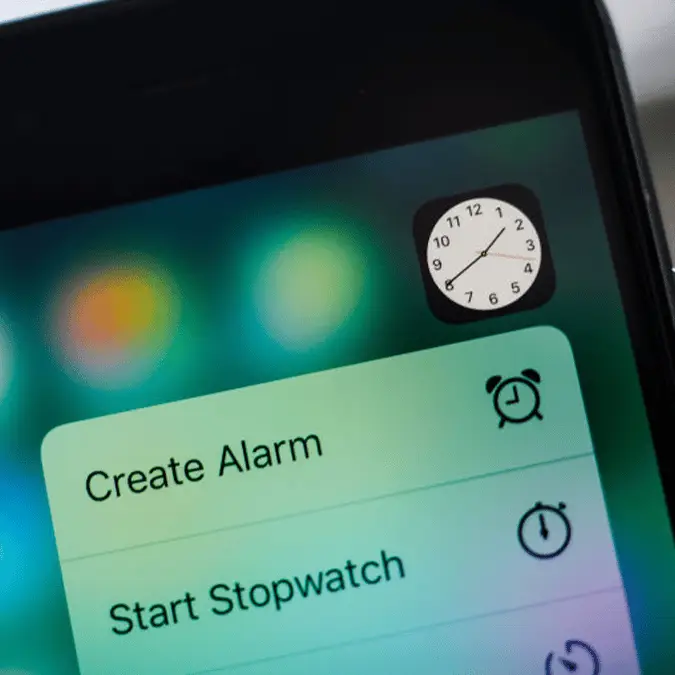
How to avoid iPhone's 'silent' alarm after TikToker warns it caused her to miss flight


Nothing quite matches the anxiety of entrusting your morning wake-up call to technology - only to have it fail when you need it most.
Unfortunately, that fear is coming true for many iPhone users as reports show their alarm apps are going 'silent'.
TikToker Brett Chody took to the social media platform to warn others about the alarm error.
“I would like to make a PSA. I missed my original flight to Chicago this morning because I set an alarm on my iPhone in the alarm app from Apple and it went off, silently," she explained in her TikTok. "I woke up at 6:30am on my own — my flight had taken off. I picked up my phone, and it said alarm going off, but it was dead silent. It had been going off for two and a half hours.”
Advert
Luckily for Chody, she managed to get 'rebooked on a later flight.'
Once she was 'finally ready to joke' with her followers on Instagram about the mishap, she realised the problem was far more common among Apple users than she thought.
“Truly, I think 100 people swiped up, maybe more, and were like, 'this happened to me. ‘I missed an exam, I missed a shift, I missed my first day of work. It’s been happening to me so much on my iPhone,'” she explained in her video.
Chody added: "So, this is a PSA that there's something going on with Apple alarms."
Thousands of users took to Chody's video to relay the same experience.
“I KNEW I WASNT CRAZY," one user replied.
"This happened to me for a flight too," another user commented on TikTok.
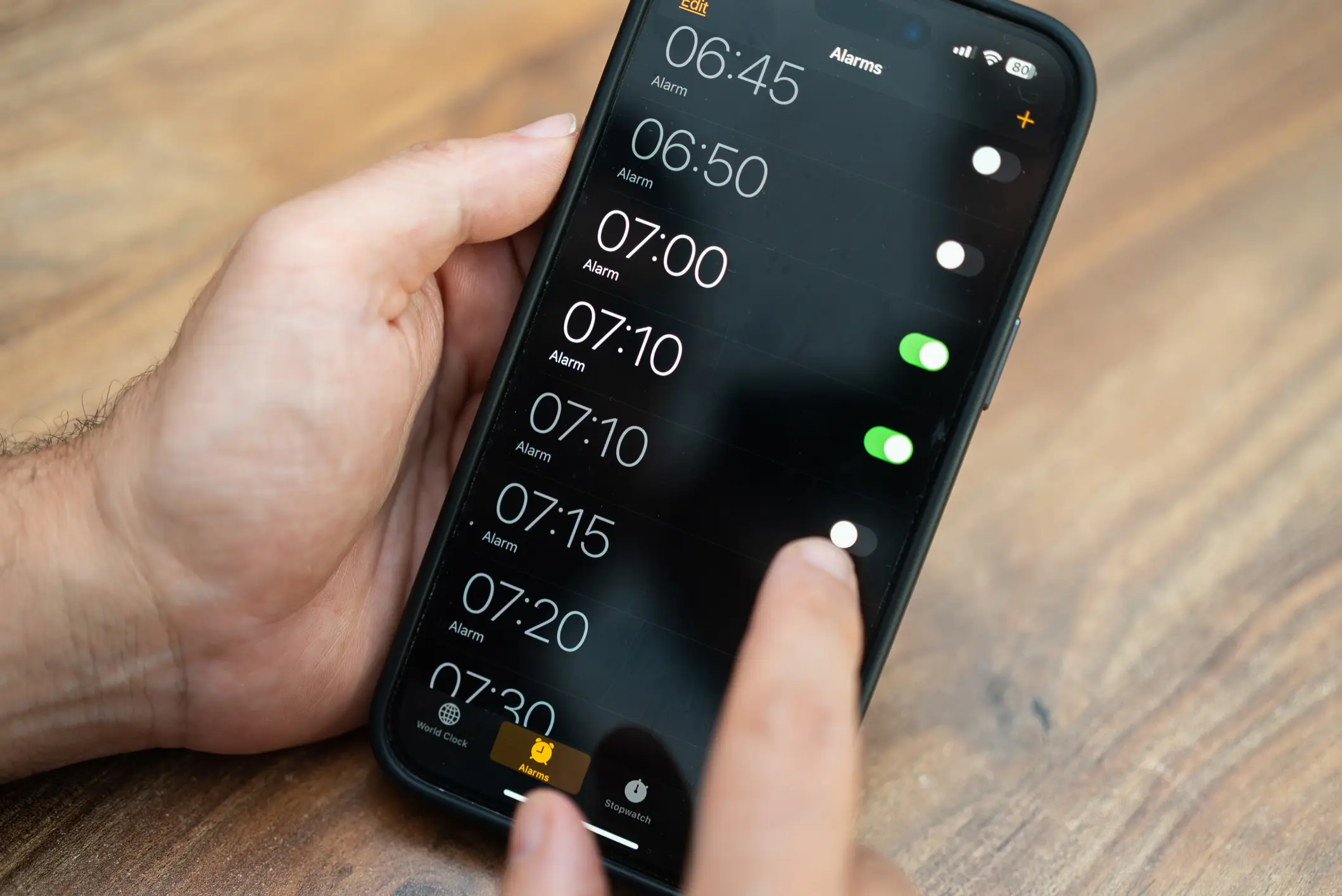
"It happens to me DAILY," a third user shared.
According to an Apple discussion thread, the frustrating problem seems to stem from the Attention Aware Features in Face ID settings being enabled. The feature automatically lowers your phone's volume when it detects a user looking at the screen.
“I think the feature turns alarm to silent as soon as I move it or it recognizes my face ID,” one Apple user shared in the thread. “When I turned the feature off, alarm started working as normal.”
Some users have traced the issue to another setting in the iPhone.
To check this isn't a problem for you, go to Settings > Sounds & Haptics, and make sure your iPhone isn't in a Focus mode like Do Not Disturb.