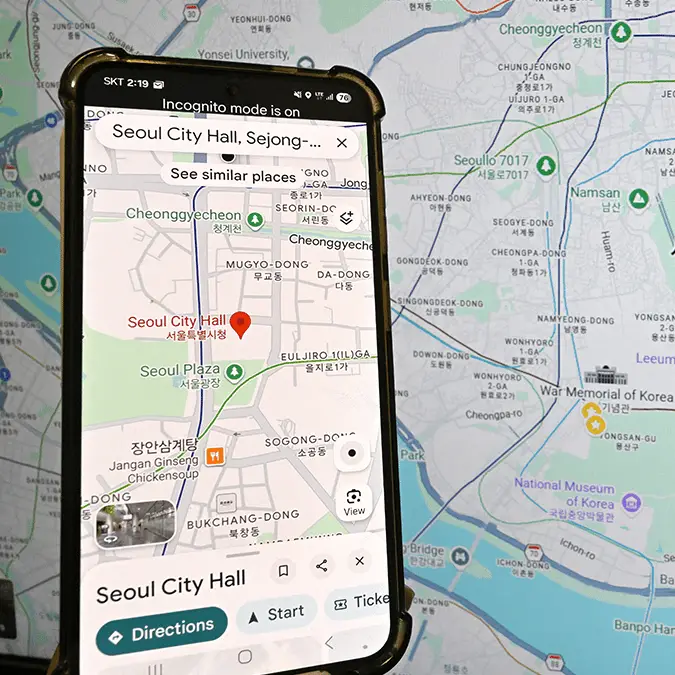
Google hit with €403M fine over hidden tracking feature that's still live in 30+ countries


Hidden tracking features ties to your location data have left Google facing a jaw-dropping fine, with the tech giant now forced to pay up €403 million ($459 million) after information was used to inform what ads you were served.
Data is undeniably the most valuable form of currency on the internet as while the world wide web remains free to use, we're all paying for it with our actions whether we're aware of it or not.
Where tech companies can get in trouble, however, is when this data is captured in violation of privacy laws — and Google has found itself in hot water after a six-year inquiry determined a breach of key European regulations.
The fine, issued by the Irish Data Protection Commission (DPC), relates to tracking activity observed between May 2018 and February 2020, as per Malwarebytes, with Google found to have storing location data, even when the user had supposedly turned it off.
What was this location data used for?
According to the investigation that eventually led to the fine, Google is accused of potentially using location data collected from its users to infer their interests and determine which ads they were served when browsing the web.
Advert
This is particularly concerning considering the reach of Google's ad services, as not only do they appear on the vast majority of websites you visit but also on platforms like YouTube which are owned by the same parent company.
On its own this would be concerning enough – as users weren't informed that their location would be used in this way – but it also combined with the belief that it was very difficult to disable these tracking features.
Turning off all of the location services seemingly wasn't enough to prevent your data from being stored, as the Web & App Activity setting – which is separate from location services – appeared to also be collecting location data in a way that wasn't obvious.
How to turn off Google's location tracking features
While Google has made a number of amendments to its location tracking services over the past few years as a result of these investigations – including major changes to the Timeline features and the reduction of automatic data deletion from 18 months to 3 months – you still might want to do as much as you can do prevent your location from being tracked.
To do this, you'll want to check the Timeline, Web App & Activity, and Search Services History sections of your account's settings menu, as disabling all three of these will completely remove the ability for your location to be tracked.
That does, of course, come with some downsides as you won't be able to receive the benefits of Google knowing where you are, but for many that's a sacrifice worth making to retain their privacy online.