Shocking reason why you should turn off your phone’s read receipts immediately


Experts have revealed the urgent reason you should turn off read receipts on your phone.
Apple popularised the feature on the iPhone, iPad and iPod Touch (oh, the days...) with iMessage in 2011. The tech giant later allowed the user to customise which of their contacts would receive the read receipts.
Then, Android followed suit with RCS (Rich Communication Services) messaging, making read receipts a common feature across most modern smartphones.
Advert
Despite the little closure it gives us to see if our partner has blanked us or a friend is taking their time to reply, this anxiety-inducing feature can actually make you a target for scammers, new research shows.
First, let's revert back to what a read receipt actually is. Simply put, a read receipt is lines of code between the sender and the recipient that tracks message activity.
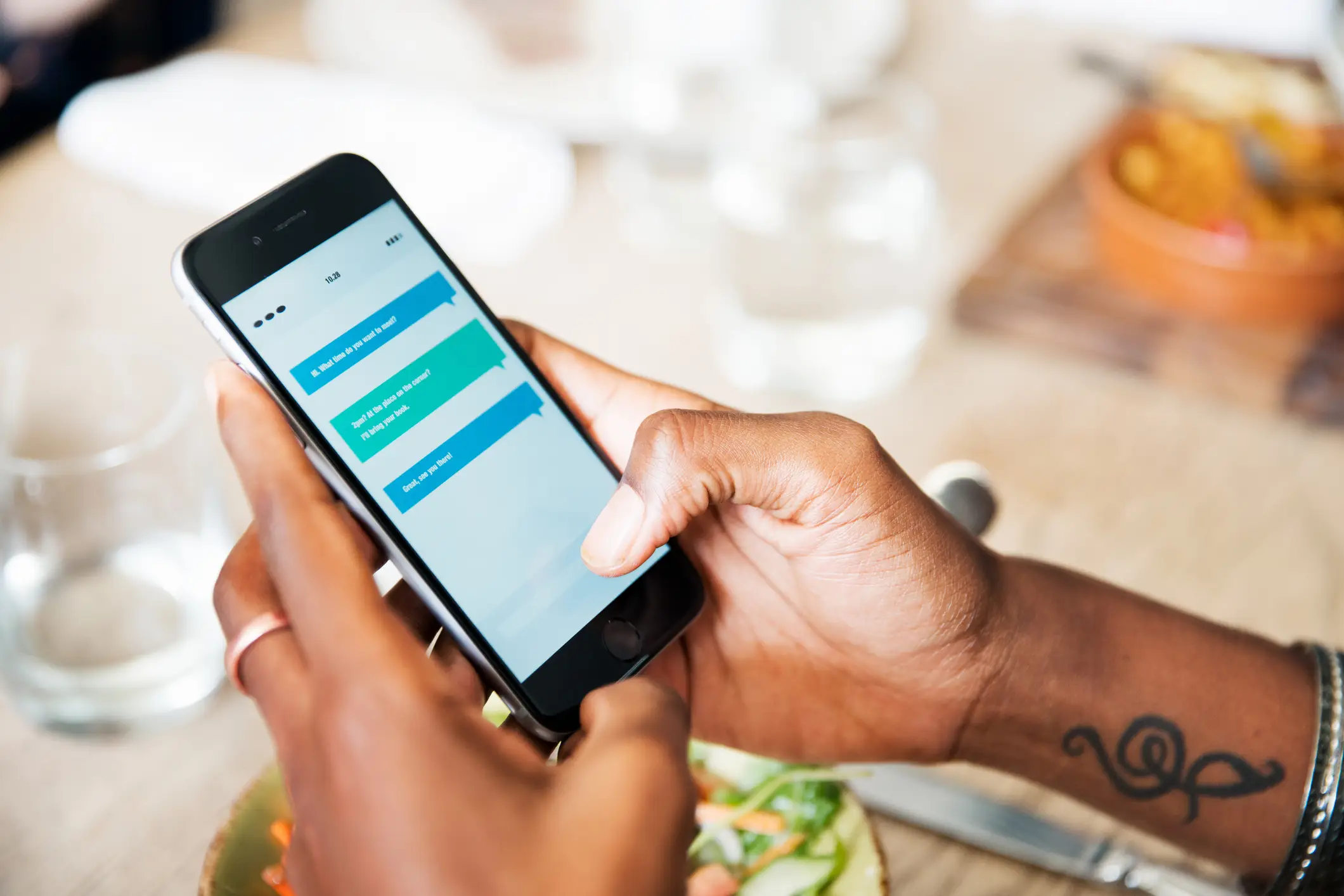
It can hold information about the message such as the date and time it was opened. When someone opens a message, that metadata is sent back to the original sender, informing them that their message has been read.
The problem is cybercriminals can use this method to their advantage.
For example, opening a scam text with a read receipt active confirms to the sender that you are a real person and your number is active. As a result, the scammers will likely target you with more scam texts.
It doesn’t stop there. A 2024 study from the University of Vienna found that read and delivery receipts can reveal more personal information than most people realise.
Delivery receipts work the same as read receipts but only let the sender know their message has been delivered. It's a good method to tell if someone's phone is still on if they're out longer than expected.
The researchers described a worst-case scenario in which read receipts and delivery receipts can reveal private information about you and your device without your knowledge or consent.
“Potentially, you’ve even used these features yourself in a more harmless way and without any bad intentions,” Gabriel K. Gegenhuber, one of the paper’s authors, wrote.
“When you message somebody that is on a flight, you would later be notified about the exact time they’ve landed.”
Because you can't turn them off, and apps like WhatsApp and Signal can’t fully prevent this kind of tracking, these features can be exploited by those closest to you.
“Both delivery and read receipts could be abused by people that are actually close to you,” Gegenhuber said. “Due to the information they leak, they could be used for stalking and intimate partner abuse.”
While you can't turn off delivery receipts, you can turn off the read receipts to protect your privacy.
According to Apple Support, go to the iMessages app on your iPhone, tap a conversation and tap the name/contact at the top of the conversation. Then, turn off Send Read Receipts. Currently, Google no longer offers the option to turn them off on Android devices, but you can report spam if you suspect suspicious activity.
Finally, WhatsApp, Facebook Messenger and others have their own ways to disable them - you’ll need to check settings for each app.