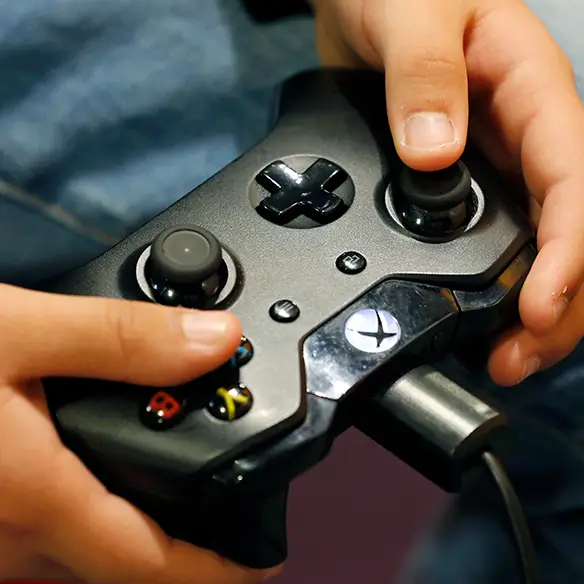
Essential tips to expand the lifespan of your Xbox One


Buying a whole new console can be a huge expenditure, so it's no wonder most of us are keen to keep ours alive and kicking for as long as possible.
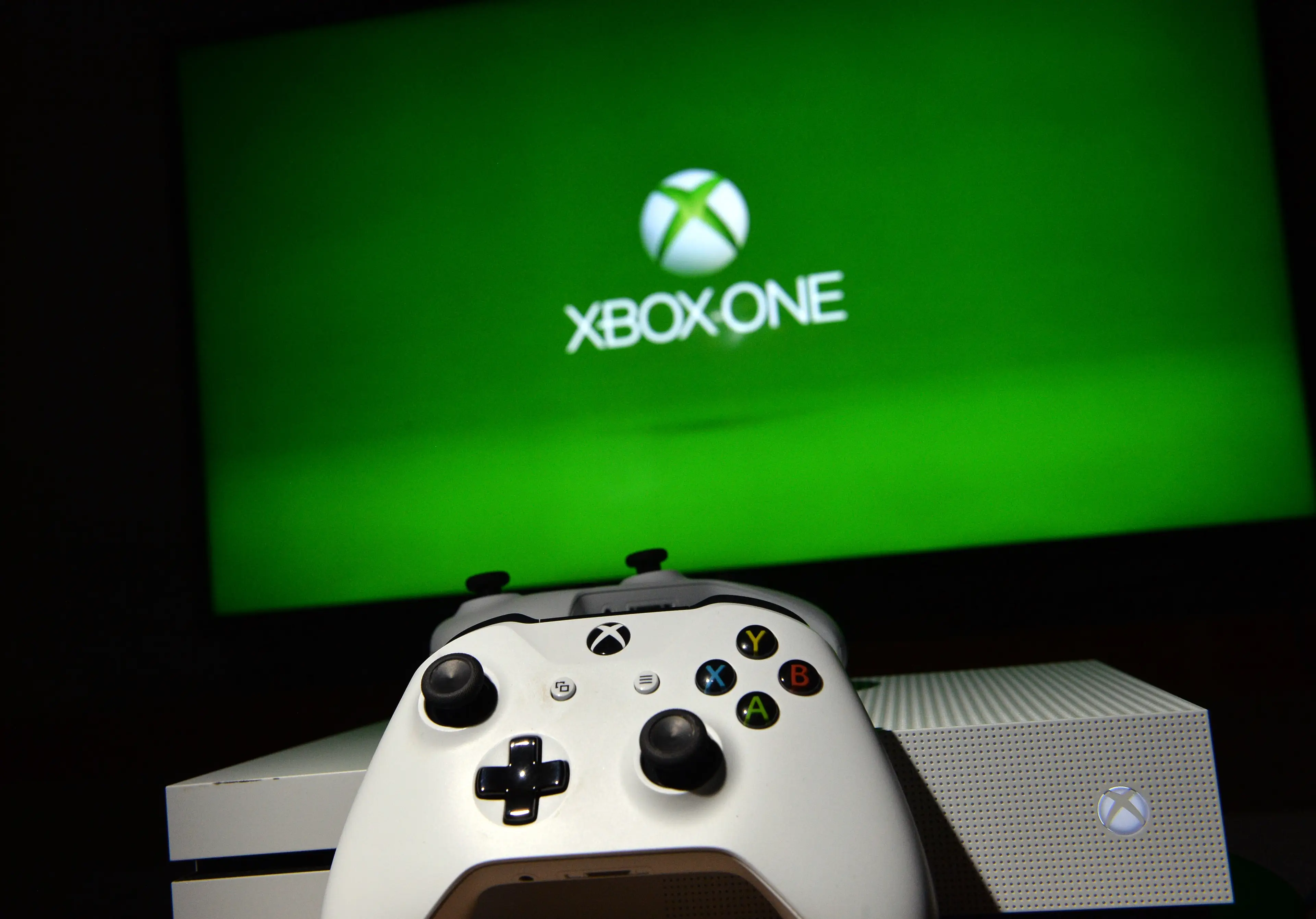
Say you've got an Xbox One - which first came out in 2013 - or the Xbox One S (2016) or X model (2017).
Brilliant consoles, but they're getting on a bit - so is there anything you can do to prolong their life?
Advert
After all, who wants to go through the faff of buying a whole new setup and having to switch over your data - let alone the cash involved.
Luckily, there are some simple tips and tricks to keep your Xbox One in good order for as long as you can - while these are specific to this console, many of the hacks would work on pretty much any device.
The handy tips have been picked out by software company MiniTool, which says one of the best ways to extend the lifespan of your Xbox One is to protect it from overheating.
You can do this in various ways, it says - whether it's keeping it in a well-ventilated place, wiping it clean so dust and debris don't build up in the vents, and taking breaks while you're playing.
We've all been there - a long gaming session will often result in your console becoming the temperature of the sun through overworking, so frequent breaks will stop this from happening.
According to MiniTool, a good option is also to change the thermal paste every two years. This helps transfer heat throughout your device, but MiniTool says it can stop working as well over time - which is why you might want to replace it, so heat can successfully travel through the console.
That's definitely the techiest tip on the list - the others are pretty much common sense.
Things like avoiding dropping your Xbox One (which we hope you already knew) and deleting any unused data - which will likely make your overall gaming experience quicker and more enjoyable.
According to MiniTool, you'll also want to keep your console up to date - which is a good rule of thumb for pretty much any bit of tech you own, from your mobile phone to your laptop.
And if you've done all that, you'll (hopefully) be able to peacefully game for a long old time. The only tough decision you'll come up against is whether to buy the Xbox-themed toaster or fridge.