
Biohacker trying to 'live forever' reveals essential phone settings you have to switch off now


Infamous biohacker Bryan Johnson who has claimed he's trying to 'live forever' has revealed essential phone settings you should switch off right now.
Bryan Johnson is on a life quest to reverse his age by leading quite a bizarre life, including injecting himself with his own son's plasma and measuring his erection and taking hundreds of pills a day.
His YouTube channel is filled with moments from his anti-ageing journey and advice for viewers looking to improve their quality of life. In his latest video, Johnson breaks down the phone settings that could be secretly destroying your health.
"Your phone is like the frog in the pot of the slow boiling water, quietly ruining your sleep," he described.
Advert
"Starting at the blue light from your phone suppresses the sleep hormone melatonin and spikes the stress hormone cortisol. This makes it harder for you to fall asleep." He went on to say that even when you do fall asleep, the quality of your sleep will be 'worse.'
Turn on night shift mode
Johnson's first recommendation is activating night shift mode on iPhone or bed mode on Android devices.
"This shifts blue-enriched light to warmer tones, pushing light below the 30 lux threshold, which preserves melatonin."
But if you want to eliminate blue light exposure completely, Johnson suggests switching to red light mode when you absolutely need to check urgent notifications at night. On the iPhone, go to Settings > Accessibility> Display and Text Size > Colour Filters.
"On Colour Tint, set the intensity filters and hue sliders all the way to the right to make the screen red," he instructed. You can also set up a shortcut by adding Colour Filters to your shortcuts, then triple-tap the side button to instantly activate red mode.
Cap your volume at 80 Decibels
If you're a regular user of AirPods, whether it's for music or an Amazon audiobook, there's something you should know.
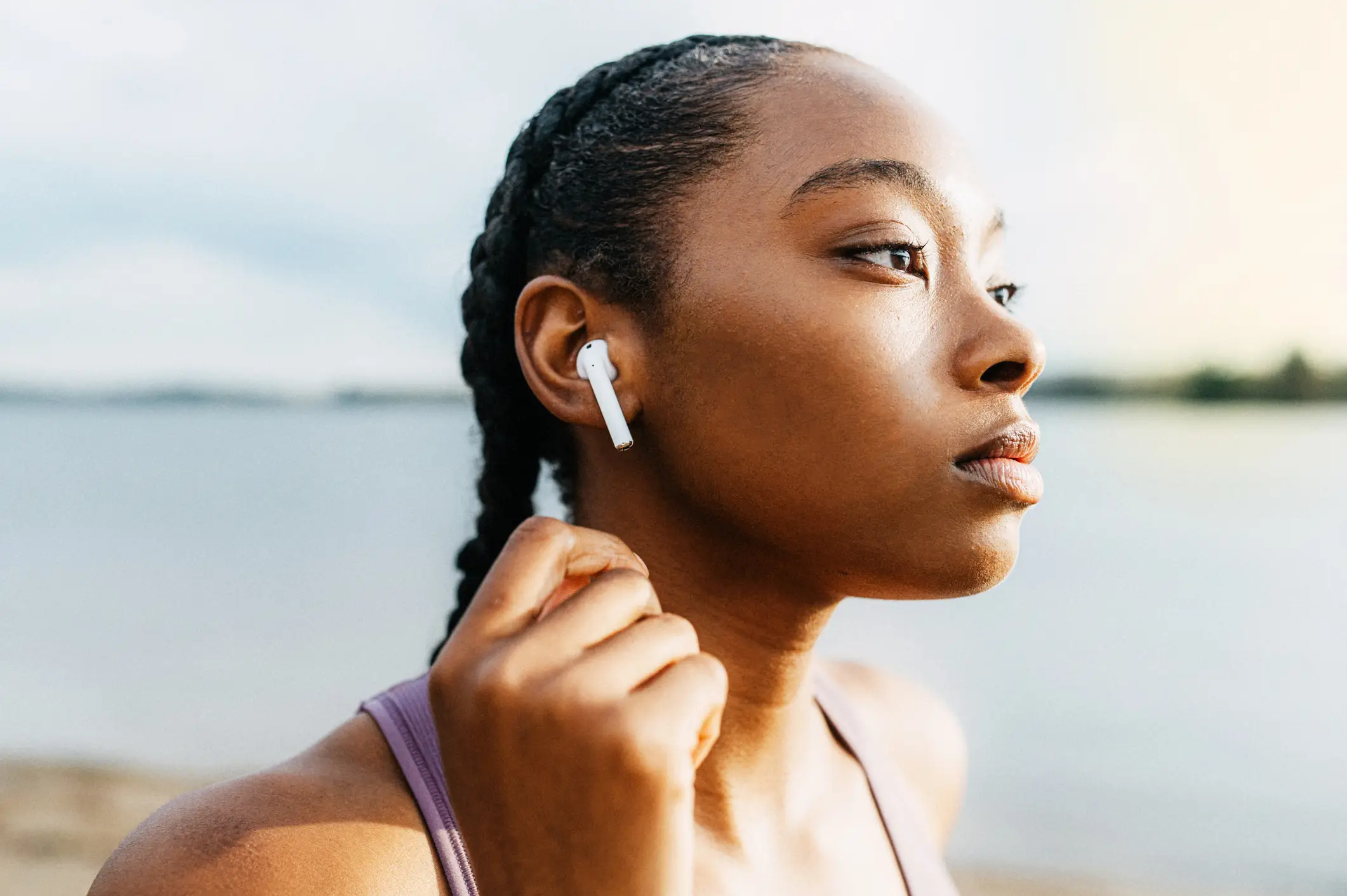
Most devices can hit 100 decibels, which can damage your hearing after just 15 minutes of exposure. Johnson recommends capping your volume at the safe level of 80 decibels through your device settings.
Switch everything to greyscale
Social media companies deliberately use bright colours in notifications to trigger dopamine hits and keep you scrolling longer.
"The way you can fight back at this is to change the colour to monochrome. In studies, it showed that it reduced usage by 11% in one week," he said.
To activate this, go to iPhone Settings > Accessibility > Display and Text Size > Colour Filters, then turn on grayscale.
Aside from optimising phone settings, Johnson also recommended tips to help tackle our obsessive phone habits.
Something as simple as establishing phone-free zones in bedrooms and at dinner tables can help avoid late-night doomscrolling and prevent becoming the guilty partner of phubbing.
Meanwhile, apps like Opal and One Sec implement screen time restrictions and can block you from opening social media apps like Instagram.