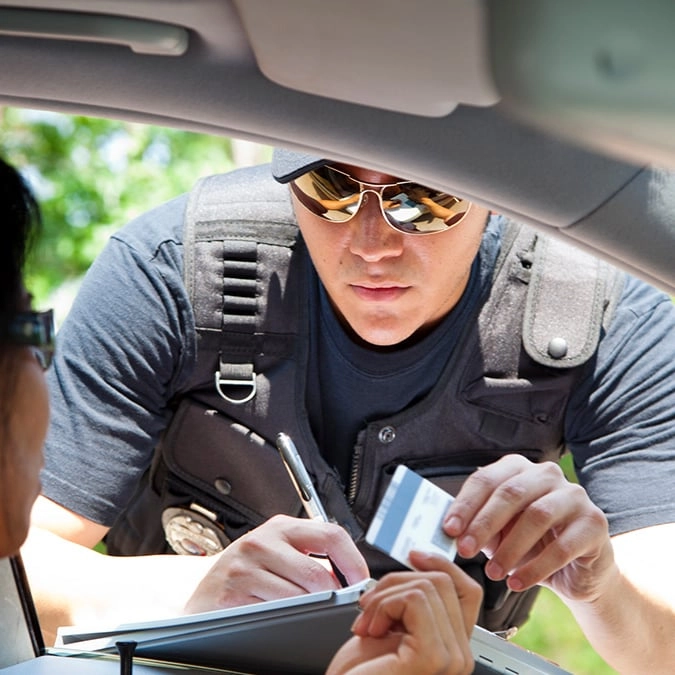
Drivers in this US state can now add their license to Apple wallet in long awaited update


Drivers in a US state are rejoying the fact that they can now add their license to their iPhone’s Apple Wallet in a long awaited update.
Apple users have taken to social media to share information on the new update that enables them to digitally upload their driving licenses to their devices.
One user took to Reddit to share the news, writing: “California Drivers License can now be added to wallet. I already had my passport on my Apple wallet, but I was just curious when California was going to join the party.
So completely on a lark, I checked and found out there's a pilot program happening. Now I don't need my wallet at all! Yippee.”
Advert
This prompted responses from others, with many sharing mixed reactions to the update.
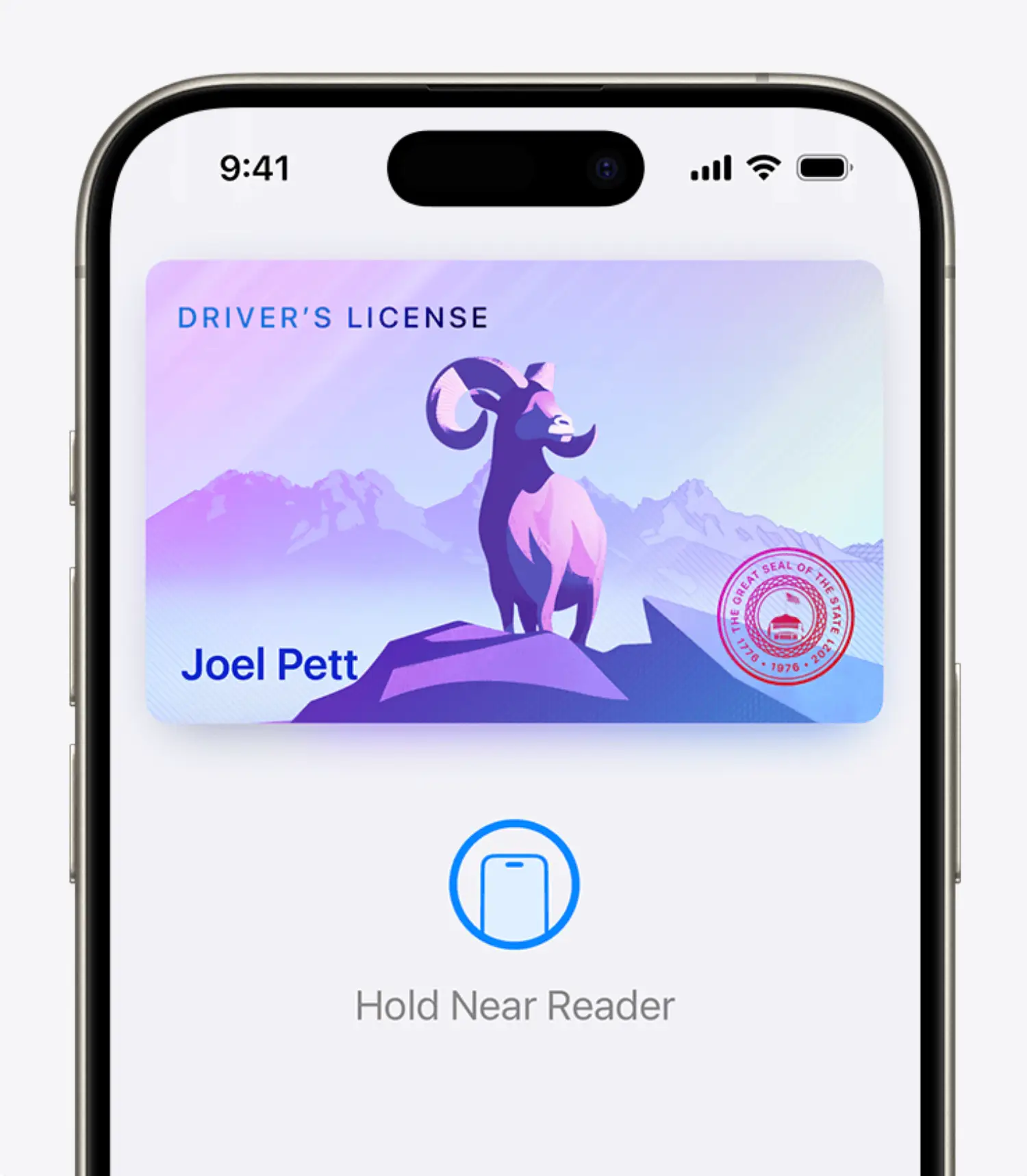
Another said: “The digital ID is mainly for TSA checkpoints and airports. I don't think it's considered a valid ID for anything else. Not even identifying to police. You can't use it to buy age restricted items like alcohol or gambling. It also is not a valid drivers license. So you'll still need to carry a physical ID. I think the goal for Apple and Google is make that possible but it's really up to the government to make that happen. So far no one in the US is really pushing for that unfortunately.”
A third person commented: “…. until you need to buy alcohol or pulled over and they require you to show the physical card. You know, the only two occasions where you actually need your ID.”
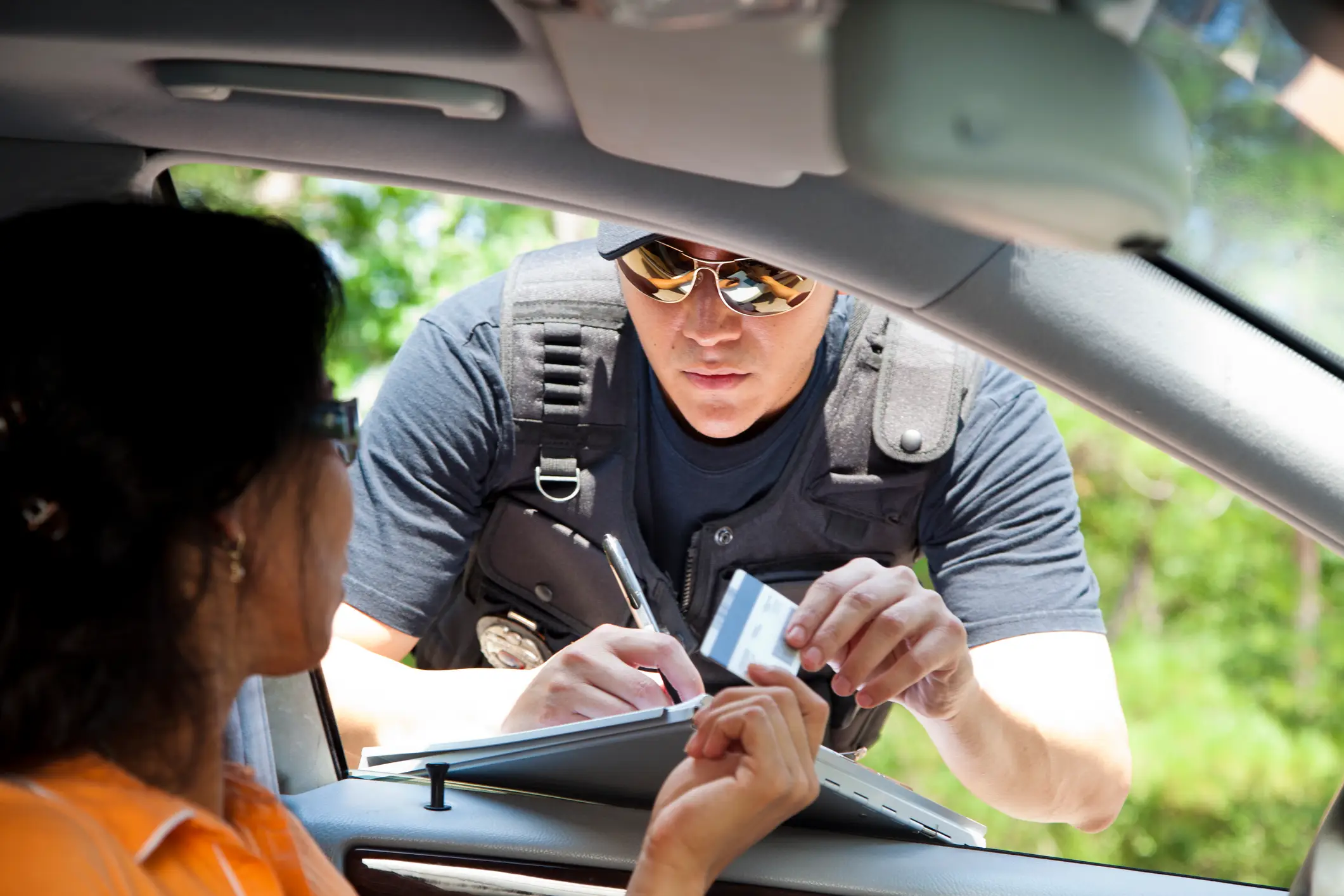
And a fourth added: “They finally added it for Illinois too. Then I found out that you can’t even use it if police asks you for your driver’s license or ID so I don’t even know what the point of it is.”
How to add your driving license to your Apple Wallet
If you want to add your license to your digital wallet, first you’ll need to open the Wallet app on your iPhone. Then click the Add Card button and select Driver’s License or ID Cards.
From there, you will need to choose your state or region and then follow the onscreen instructions to scan the front and back of your license or ID.
Once that is done, you’ll need to confirm your identity so you’ll be asked to take a Live Photo or a selfie. After that is complete, you should be good to go!