iPhone user reveals shocking impact charging their device the 'Apple way' for years has had on their battery health


An iPhone user has revealed the shocking impact that charging their device the ‘Apple way’ for years has had on the phone’s battery health.
It turns out that the method you use to charge up your smartphone really matters when it comes to the device’s battery longevity.
This is according to a report by ZDNET, an outlet that independently tests and researches products.
In the piece, writer Adrian Kingsley-Hughes detailed his experience with attempting to get the most lifespan out of his iPhone battery.
Advert
This comes after Apple claimed that the iPhone 15 would be able to ‘retain 80% of their original capacity at 1,000 complete charge cycles under ideal conditions’.
So, what do these ‘ideal’ conditions entail? There are a list of steps suggested on the Apple website to help you.
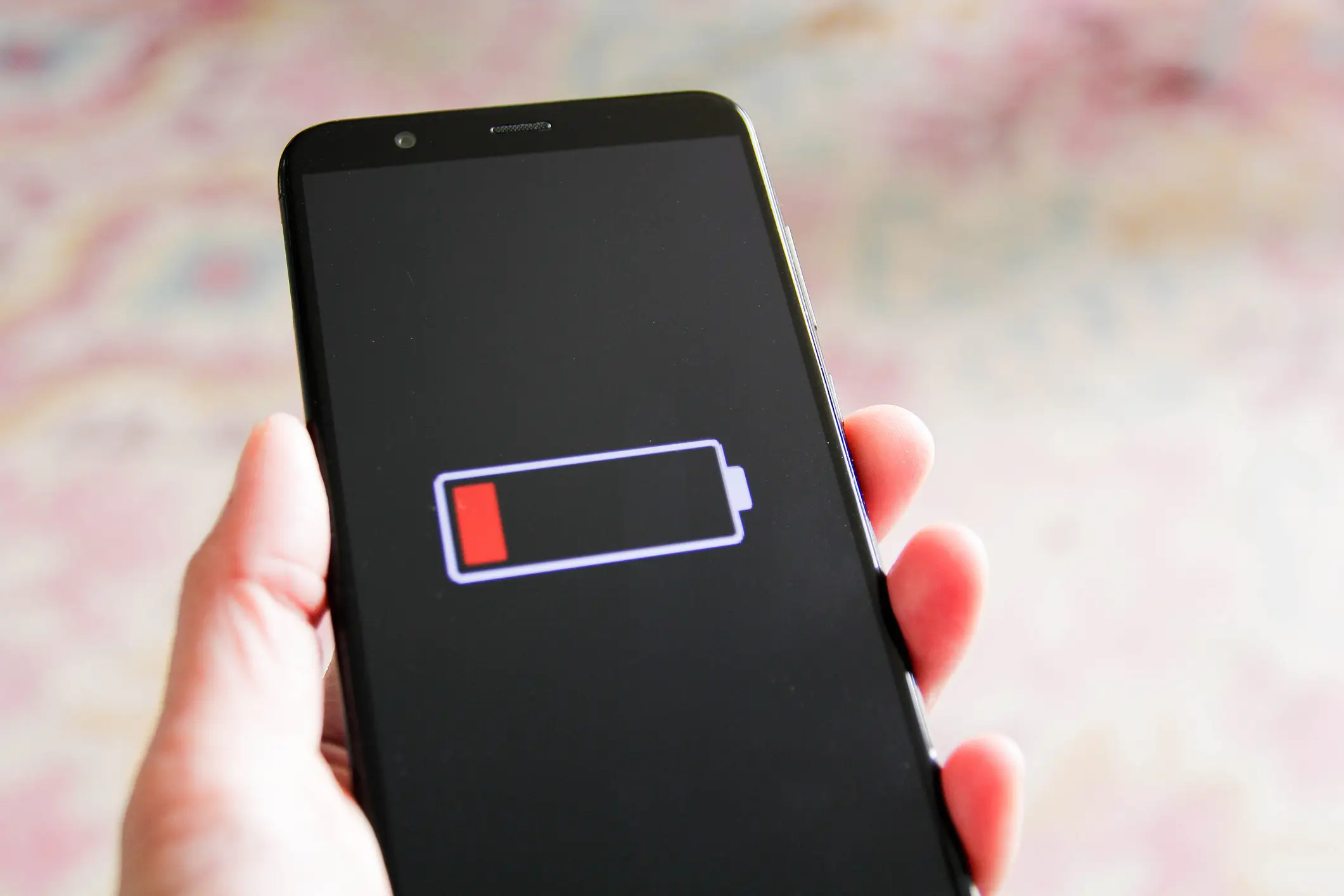
You have the option to dim the screen or turn off auto-brightness, with both features known to help with extending battery life.
Apple said: “To dim, open Control Center and drag the Brightness slider to the bottom.
“Auto-Brightness adjusts your screen to lighting conditions automatically. To activate it, go to Settings > General > Accessibility > Display Accommodations and set Auto-Brightness to On.
“When you use your device to access data, a Wi‑Fi connection uses less power than a mobile network - so keep Wi‑Fi on at all times. To turn on Wi‑Fi, go to Settings > Wi‑Fi to access a Wi‑Fi network.”
In the report by ZDNET, Kingsley-Hughes shared how he limited his charge to 80% in a bid to preserve his device’s battery life.
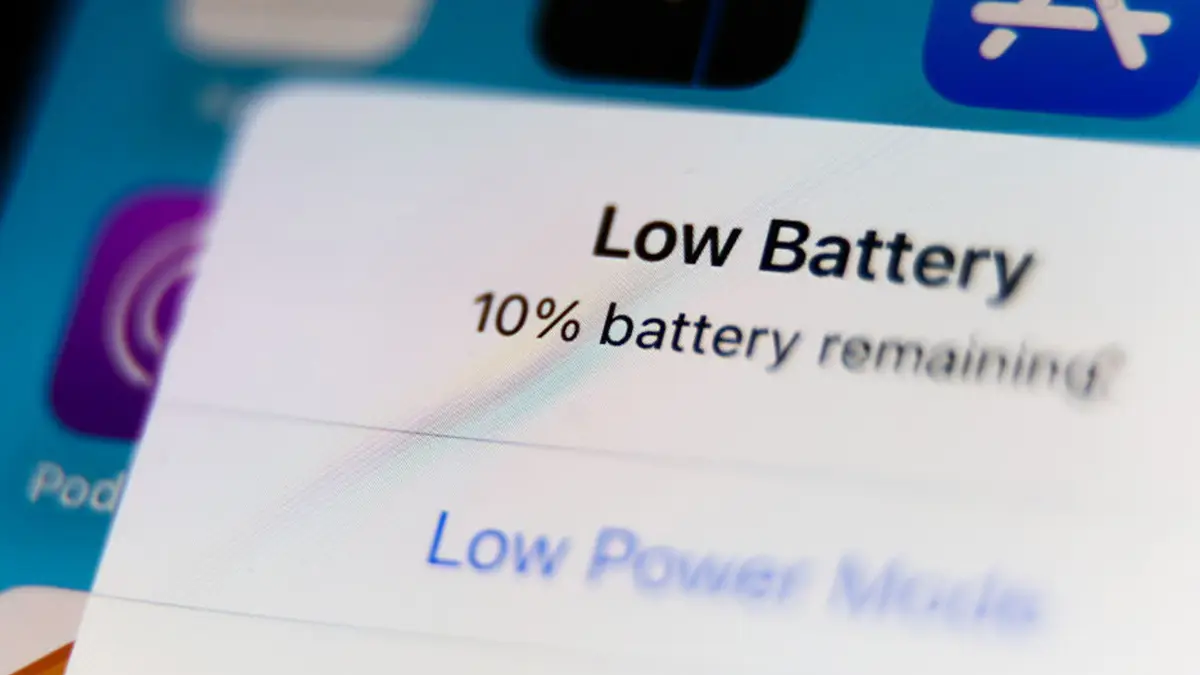
Another option would be to enable Low Power Mode on your phone, which is an ‘easy way to extend the battery life of your iPhone when it starts to get low’.
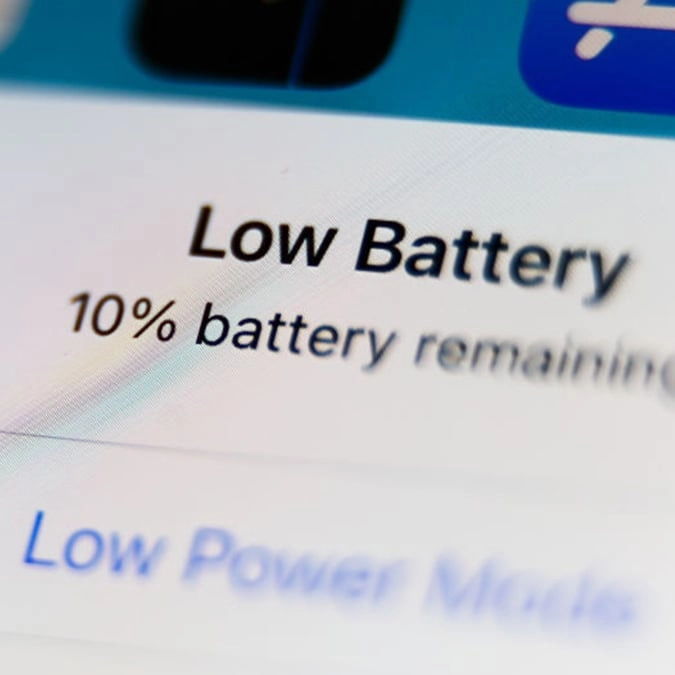
Apple went on to explain: “Your iPhone lets you know when your battery level goes down to 20%, and again at 10%, and lets you turn on Low Power Mode with one tap. Or you can enable it by going to Settings > Battery. Low Power Mode reduces display brightness, optimises device performance and minimises system animations. Apps including Mail will not download content in the background, and features like AirDrop, iCloud sync and Continuity will be disabled.
“You can still use key functions like making and receiving phone calls, email and messages, accessing the Internet and more. And when your phone charges up again, Low Power Mode automatically switches off.”