Apple Watch owner reveals the health notification they say ‘saved their life’


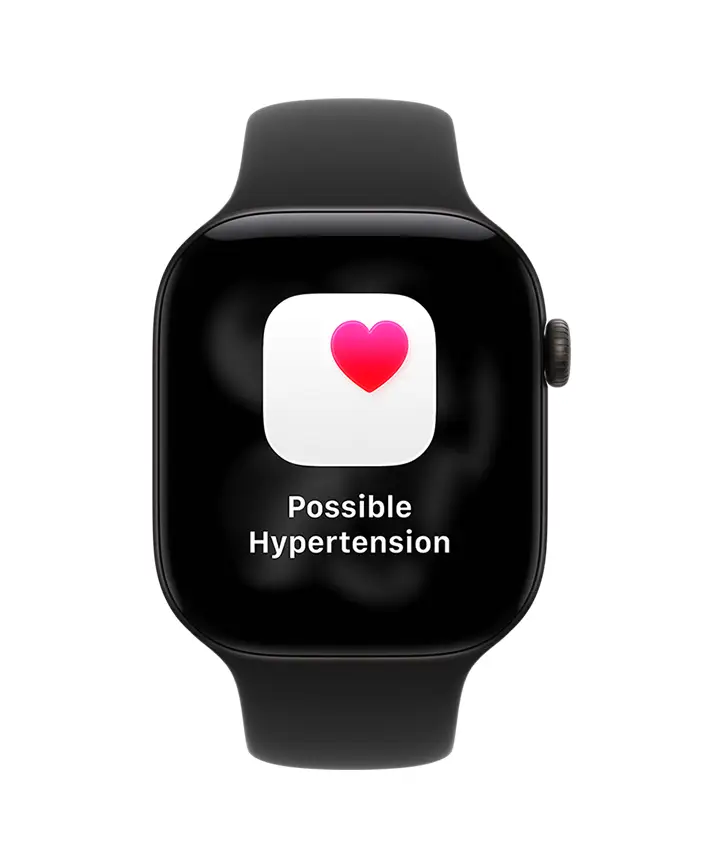
An Apple Watch user has taken to the internet to reveal a simple notification they received on their device which they credit with ‘saving their life’.
This comes after the feature was added by Apple to compatible models last year, with one Reddit user sharing their story on how the addition became life saving.
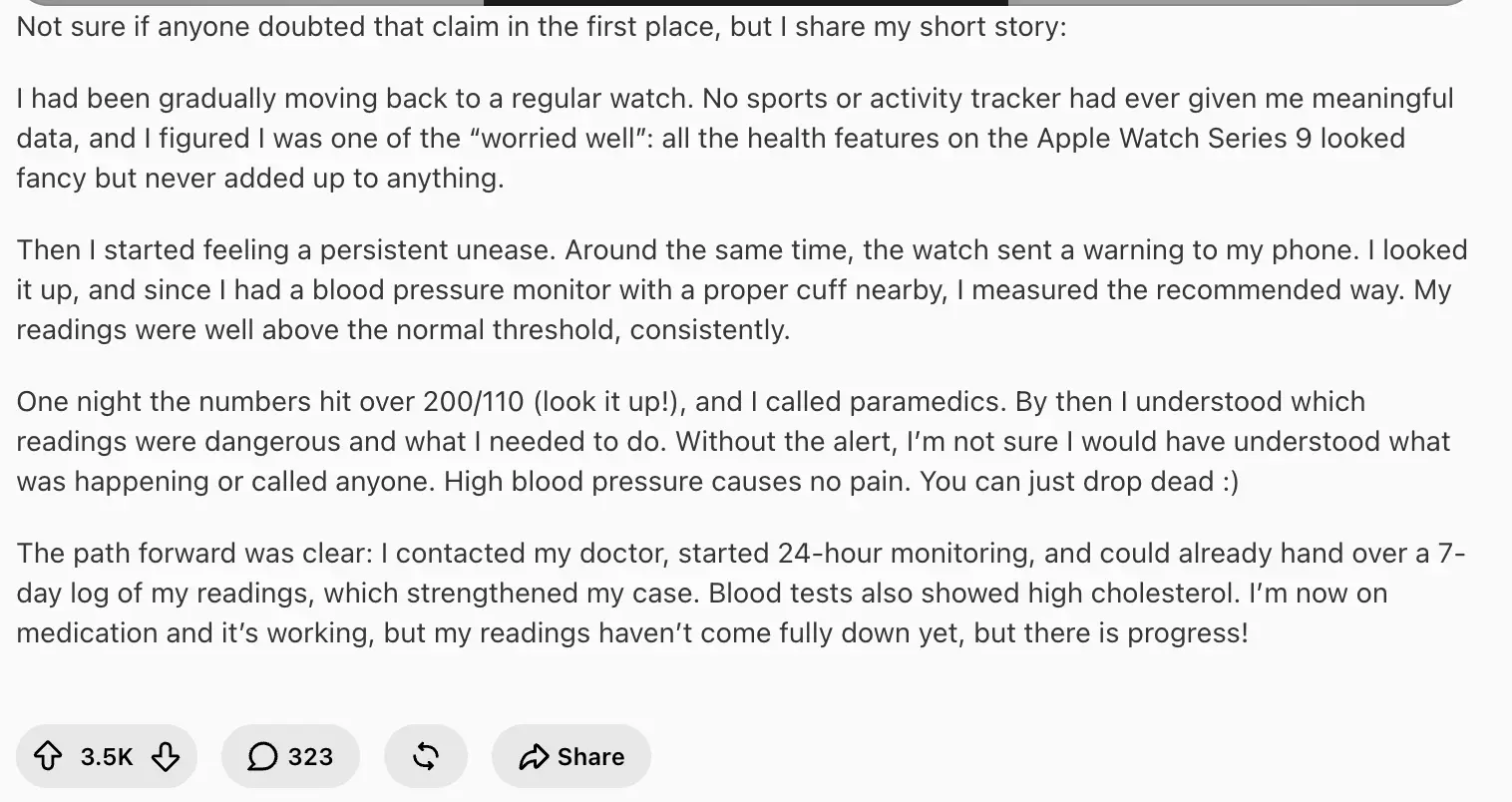
On social media, the user wrote: “Apple Watch hypertension detection is real, saved my life. Not sure if anyone doubted that claim in the first place, but I share my short story:
“I had been gradually moving back to a regular watch. No sports or activity tracker had ever given me meaningful data, and I figured I was one of the “worried well”: all the health features on the Apple Watch Series 9 looked fancy but never added up to anything.
Advert
“Then I started feeling a persistent unease. Around the same time, the watch sent a warning to my phone. I looked it up, and since I had a blood pressure monitor with a proper cuff nearby, I measured the recommended way. My readings were well above the normal threshold, consistently.”
The user went on to explain how one night, the numbers went over 200/110, which prompted them to call paramedics.
The poster continued: “By then I understood which readings were dangerous and what I needed to do. Without the alert, I’m not sure I would have understood what was happening or called anyone. High blood pressure causes no pain. You can just drop dead.
“The path forward was clear: I contacted my doctor, started 24-hour monitoring, and could already hand over a 7-day log of my readings, which strengthened my case. Blood tests also showed high cholesterol. I’m now on medication and it’s working, but my readings haven’t come fully down yet, but there is progress!”
Apple’s hypertension feature
According to Apple, hypertension is an ‘ongoing condition that can cause damage to your heart, blood vessels and other organs’.
The Apple Watch is able to analyze data that is collected by the optical heart sensor and notify you if it detects a pattern of hypertension.
The tech giant completes this over 30-day evaluation periods, beginning from the day you set up hypertension notifications.
The feature is available on the Apple Watch Series 9 or later or Apple Watch Ultra 2 or later, with the latest version of watchOS.
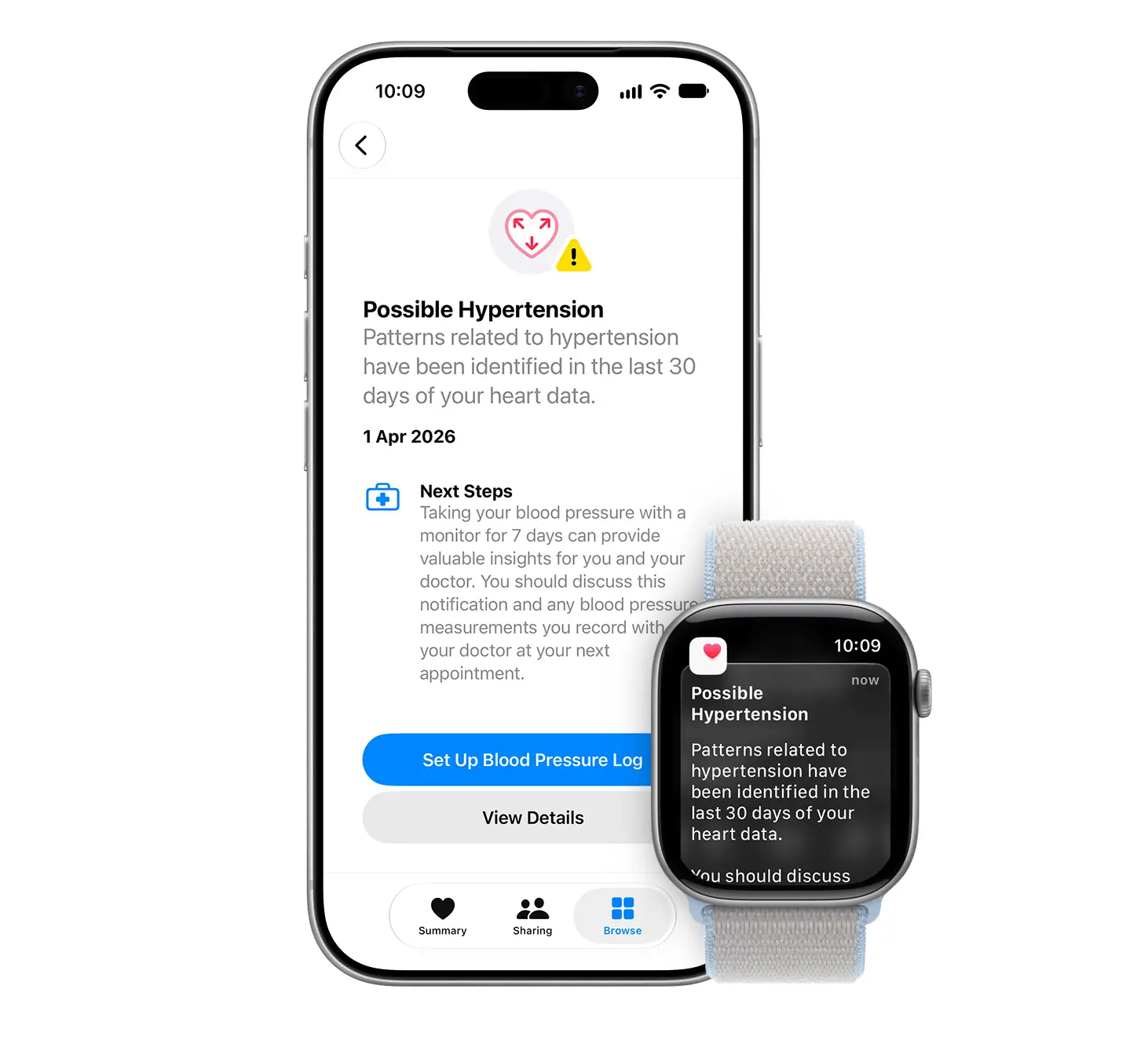
It can also be used on the iPhone 11 or later with the latest version of iOS.
How to turn on hypertension notifications
If you want to turn on hypertension notifications on your iPhone then all you need to do is first head to the Health app.
From there, click on the profile button in the top corner, and select Features.
Then, open up the Health Checklist and click on Hypertension Notifications.
Confirm your age and if you’ve ever been diagnosed with hypertension, then tap Continue.
Tap Next to follow the onscreen prompts to find out how the notifications work and then you can hit Done.