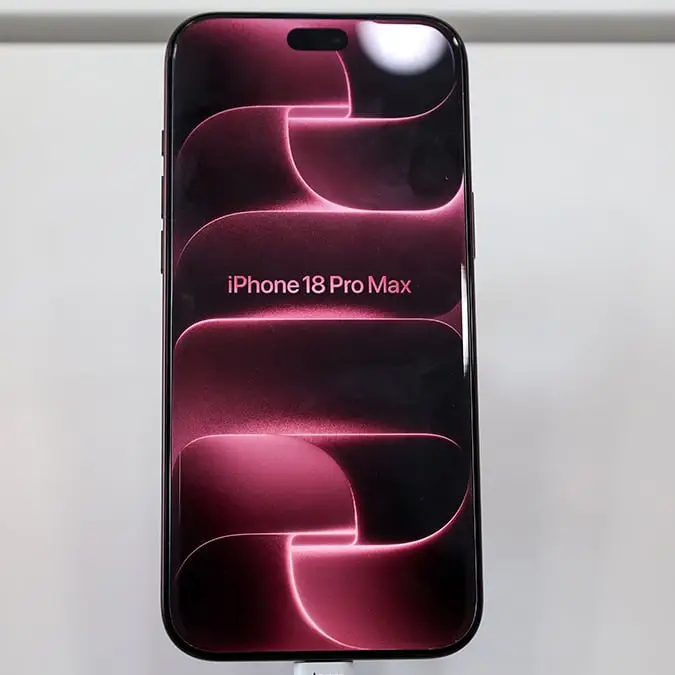
Apple offers free replacement iPhone 18 Pro Max after admitting flagship flaw can’t be fixed


After Apple announced the release of its latest iPhone model last month, the Pro and Pro Max versions have officially dropped, but some users have noticed a problem.
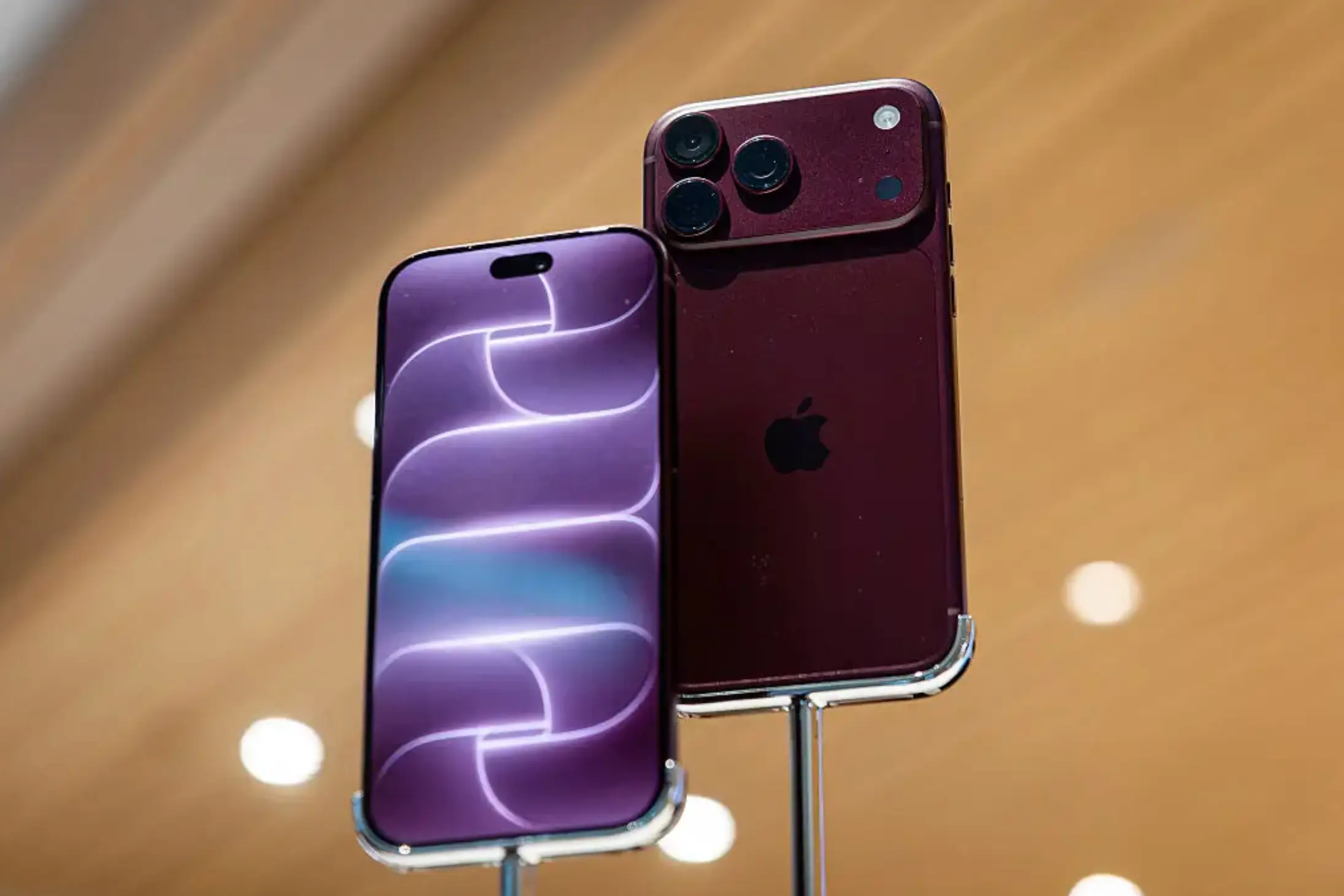
The iPhone 18 Pro and Pro Max are now available, starting from $1,099, with many users snapping them up, however, some have discovered an issue with their device soon after taking it home.
Unfortunately it seems there is only one solution for the problem which causes the phone to become almost useless, and that is to replace it.
Why are some iPhone 18 Pro Max devices losing cell connection?
The issue seems to be limited to just a small number of iPhone 18 Pro Max handsets being used on AT&T in the US, with affected phones losing their cellular connection entirely.
Advert
This means that the owners of these devices are no longer able to make calls, send messages or use mobile data.
Even worse, Apple has confirmed that this issue isn’t something that can be fixed with a software update as it appears to be irreversible, meaning that anyone already experiencing this will need to get their iPhone replaced rather than simply waiting for Apple to push out another update.
According to a report by MacRumors, this issue has not been reported by any other network.
In a statement, Apple said: “We have identified an issue affecting a small number of iPhone 18 Pro Max users on the AT&T network that may cause a device to lose service and be unable to make calls. We released iOS 27.0.1 earlier this week and strongly encourage all iPhone 18 Pro Max users to update now, and are also issuing a carrier settings update today. These updates together are meant to help prevent this issue from occurring.”
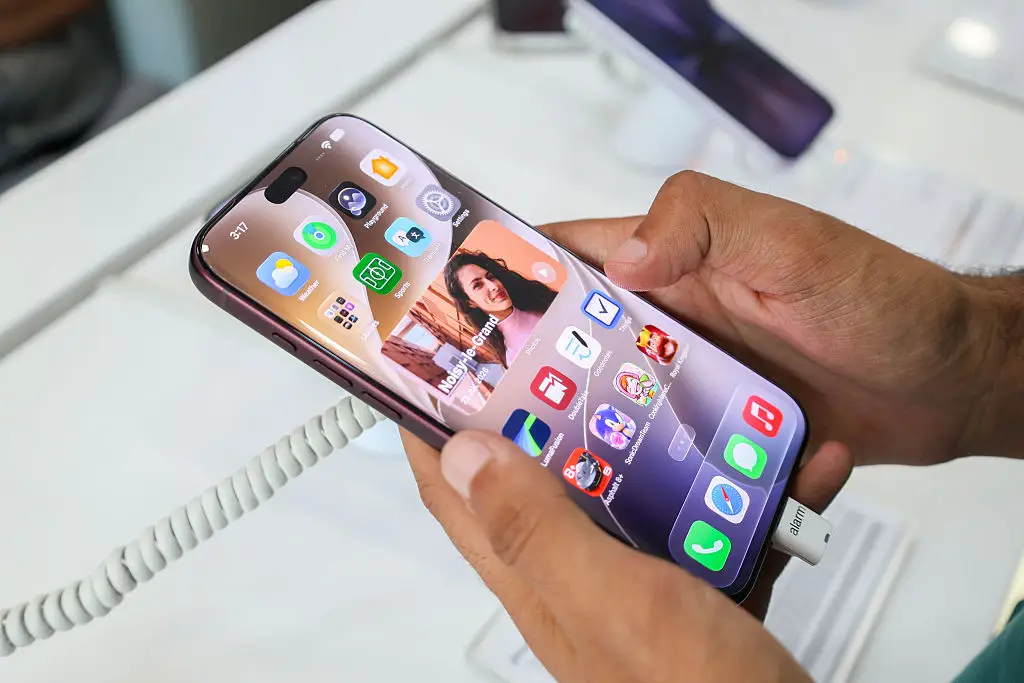
How to protect your iPhone 18 Pro Max
If your iPhone 18 Pro Max is currently working as normal, then there are two updates you should install to your device to protect it.
First off, go to your phone’s Settings app and select General, followed by Software Update to make sure you’re running the company’s latest operating system, which is currently iOS 27.01.
Once that is updated, head back to Settings, General and click on About. If your carrier settings need updating then your iPhone should display a prompt allowing you to install the update.
Apple has shared that installing both updates should prevent the cellular problem from happening.