
Apple adds new feature to Notes app that users will struggle to find anywhere else


This month marks the release of numerous exciting products and updates from Apple including the latest operating system upgrade, iOS 27.
And with it comes a whole host of new features, including a particular addition to the Notes app that users might struggle to find elsewhere.
Now, the app will allow users to create section links, which is where people can add links to webpages or sections in a note.
Apple explains that you can ‘link to related notes, like a trip itinerary and a list of recommended restaurants. When you add street and email addresses, phone numbers, and dates, they automatically become underlined text that you can tap to take action on’.
Advert
The news prompted many Apple fans to take to social media to share their own reactions to the update, with one user saying: “I'm really looking forward to being able to link to a particular section in another note. That will be so useful!”
And another added: “I use apple notes everyday. I am excited for the sections improvements. I wish there was a ‘Auto generate table of content’ now that we have better section references.”
Other new iOS 27 features for the Notes app
However, section links isn’t the only update coming to the Notes app courtesy of iOS 27 as there are a number of new features now available to try out.
Divider line is a new addition to help with your note organizing. This can be added easily by just tapping where you want the line to go, opening the edit menu and selecting Insert Divider Line.
Siri AI is also now integrated into the app, where users can make the most of the digital assistant to quickly create and add to notes.
The AI bot is also able to reformat notes you’ve created or create things such as shopping lists from a simple prompt.
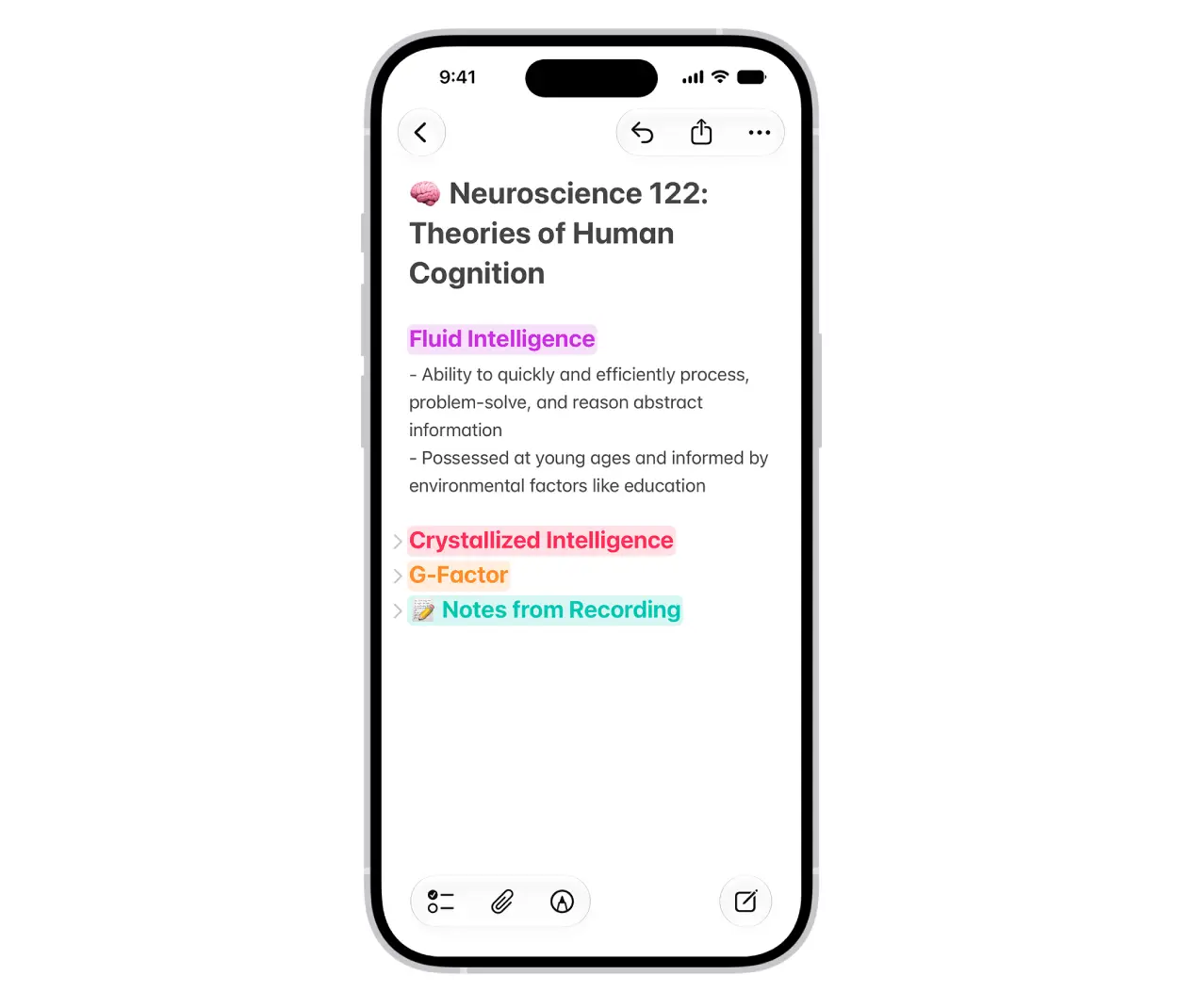
Image Playground has become a popular feature for the Notes app and it is getting a major upgrade with iOS 27. The feature will now use a new generative model to make high-quality images in virtually any style, including photorealistic).
Last but not least is the improvements surrounding Markdown, which was first introduced with iOS 26.
The text formatting syntax means that you can write in plain text while using certain syntax for things like the subheadings and lists.
Now, the new improvements to the feature means that you can copy and paste Markdown text, with an option in the editing menu offering you the ability to ‘Copy as Markdown’.