uniladtech homepage
  • News
    • Tech News
    • AI
  • Gadgets
    • Apple
    • iPhone
  • Gaming
    • Playstation
    • Xbox
  • Science
    • News
    • Space
  • Streaming
    • Netflix
  • Vehicles
    • Car News
  • Social Media
    • WhatsApp
    • YouTube
  • Advertise
  • Terms
  • Privacy & Cookies
  • LADbible Group
  • LADbible
  • UNILAD
  • SPORTbible
  • GAMINGbible
  • Tyla
  • FOODbible
  • License Our Content
  • About Us & Contact
  • Jobs
  • Latest
  • Archive
  • Topics A-Z
  • Authors
Facebook
Instagram
X
TikTok
Snapchat
WhatsApp
Submit Your Content
Ex Apple employee warns about simple mistake that's killing iPhone batteries
Home>News>Tech News
Published 12:51 20 Dec 2023 GMT

Ex Apple employee warns about simple mistake that's killing iPhone batteries

Low Power Mode isn’t the only solution.

Kerri-Ann Roper

Kerri-Ann Roper

google discoverFollow us on Google Discover
Featured Image Credit: Credit: Kinga Krzeminska / NurPhoto / Getty
Apple
iPhone
Mobile app
Bluetooth

Advert

Advert

Advert

If there’s one thing in common with all smartphone users, it’s that the battery life isn’t always up to scratch.

With endless scrolling on social media and storage to hold a huge number of apps, it’s no wonder our phones can burn through the battery.

However, these helpful tips might just save your battery juices from depleting too quickly.
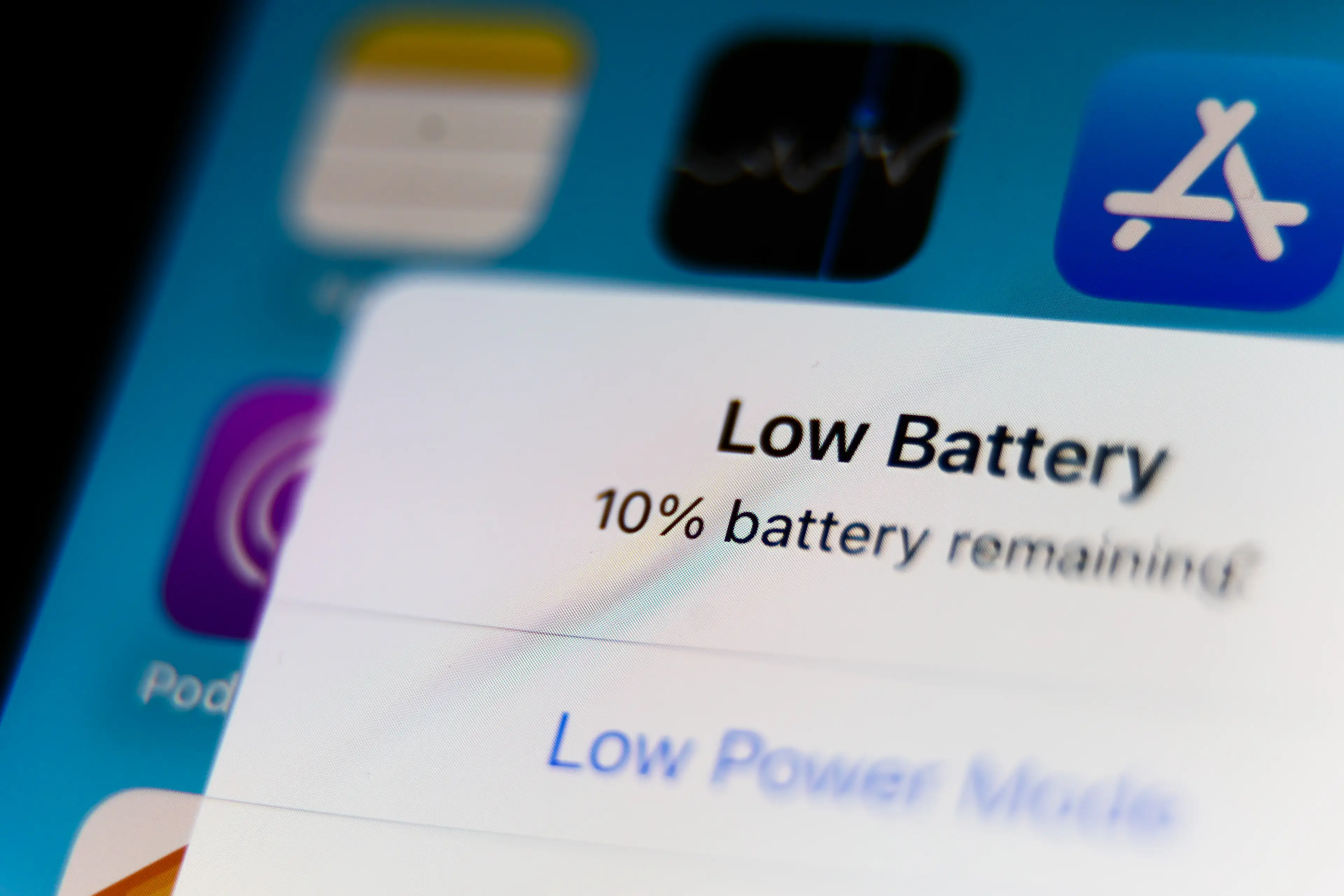
There are some handy tips for saving your iPhone battery life.
Jakub Porzycki/NurPhoto via Getty Images

Advert

Former Apple employee Tyler Morgan claims these hacks could prolong your battery life.

While some might seem obvious, there are other tips you may not have considered before.

Some users have complained about not being able to scroll through the internet without being hit with a Low Battery message.

One way to overcome that is to toggle the 'Reduce White Point' feature, which is on under Settings > Accessibility > Display & Text Size.

It is said that it reduces the intensity of bright colors on your screen and it seems the more this is reduced, the more battery life you save.

You may think running your battery down and charging it back to 100 percent is helpful, but apparently this isn’t the case.

Morgan suggests keeping your iPhone’s battery between 30 and 80 percent is the ‘sweet spot’.

The idea is running your battery down can actually put a strain on your phone, so to prevent this it’s advised you keep your phone in the ‘sweet spot’ and prolong your battery.

Sounds like it might require a lot of micromanagement, but it could be worthwhile if you’re having issues with battery life.

This one might be obvious, but he also says to switch off the phone’s Bluetooth feature as it’s something the majority of us probably hardly use.

Tip two is to turn off the background app refresh so all of your apps aren’t silently chewing through power when not in use.

Morgan also suggests switching off location services, Siri and dimming the phone’s brightness, as these passive features could also be eating away at your battery.

For some iPhone users, particularly those with the new iPhone 15, it seems the new iOS 17 update has contributed to a depleted battery life.

Let’s hope these tips help with that.

Apple has also been contacted for comment.

Choose your content:

13 hours ago
14 hours ago
17 hours ago
18 hours ago
  • @adcock_brett/X
    13 hours ago

    AI robot carries out 8 hour shift 'better than humans' in eye-opening live stream

    They could be coming to a warehouse near you

    News
  • Joe Raedle / Staff / Getty
    14 hours ago

    Everything that makes the Trump phone different from your regular smartphone as pre-orders begin to ship

    The gold-plated device was announced in June last year

    News
  • VASILY MAXIMOV / Staff / Getty
    17 hours ago

    Trumps $499 gold-plated T1 phone finally ships but is already met with immediate criticism

    The long-awaited launch raises some legal questions

    News
  • China Pool / Pool / Getty
    18 hours ago

    Trump warns of 'calm before the storm' with eerie AI image in message to Iran

    It was joined by several other AI generated images

    News
  • Every new feature that's come to your iPhone with latest iOS 26.5 update
  • Social media users shocked to see 'military iPhone' missing classic Apple feature
  • How to find your iPhone's serial number to claim your share of $250M from Apple
  • Ex-Apple employee shares one place you should never take your iPhone and it's not for the reason you think