
How to prepare your phone for US border force if they ask to look through it


Travellers heading to the US this year may see some new entry requirements. And with the World Cup taking place in America later this year, it's better to be prepared than to miss out on your match day seat.
December brought some new announcements that international visitors could soon face demands to provide access to their last five years of social media history.
Under an exception to the Fourth Amendment, Customs and Border Protection (CBP) has the power to inspect the contents of all phones, laptops, and other electronic devices upon arrival in the US.
Any evidence of criminal activity or potential national security risk could result in arrest, deportation and the forfeiture of flights and accommodation.
Advert
Now, according to security and travel experts, following these steps could help you avoid a difficult border patrol experience.
Cut down what's on your phone
Before flying, experts advise deleting any sensitive or unnecessary files that are stored locally on your device. That being said, wiping everything can also raise suspicion, so make sure to reduce, not erase altogether.

Back up your data
Save important photos, documents and contacts to the cloud or another device. This protects your information if your phone is temporarily held and keeps personal data safe while keeping the border processing smooth, notes Christian Petzold of CityTrip Travel.
Use a strong passcode
It's important to set up a strong PIN or password rather than facial or fingerprint unlocking to prevent accidental access.
"A robust PIN or password gives you more control over access during inspection," said Jasper Adams, Chief Executive Officer at Team Fusion.
"Customs and Border Protection may request that a device be unlocked to facilitate a search, and a manual passcode avoids inadvertent access via facial or fingerprint recognition."
Create a 'clean device plan'
Days before flying, make sure to sign out of work emails, remove banking apps and clear downloads to ensure only the essentials are on your smartphone.
According to Lorena Basualdo, luxury travel advisor and co-founder of ItalianTourism.us, ensure only the essentials are on your smartphone, which means clearing up downloads and signing out of work emails.
"A few days before you fly, make a full backup, then sign out of cloud email and drive apps, remove banking and work apps, clear downloads and saved media, and delete old chat attachments so only what you truly need is stored locally," she explained.
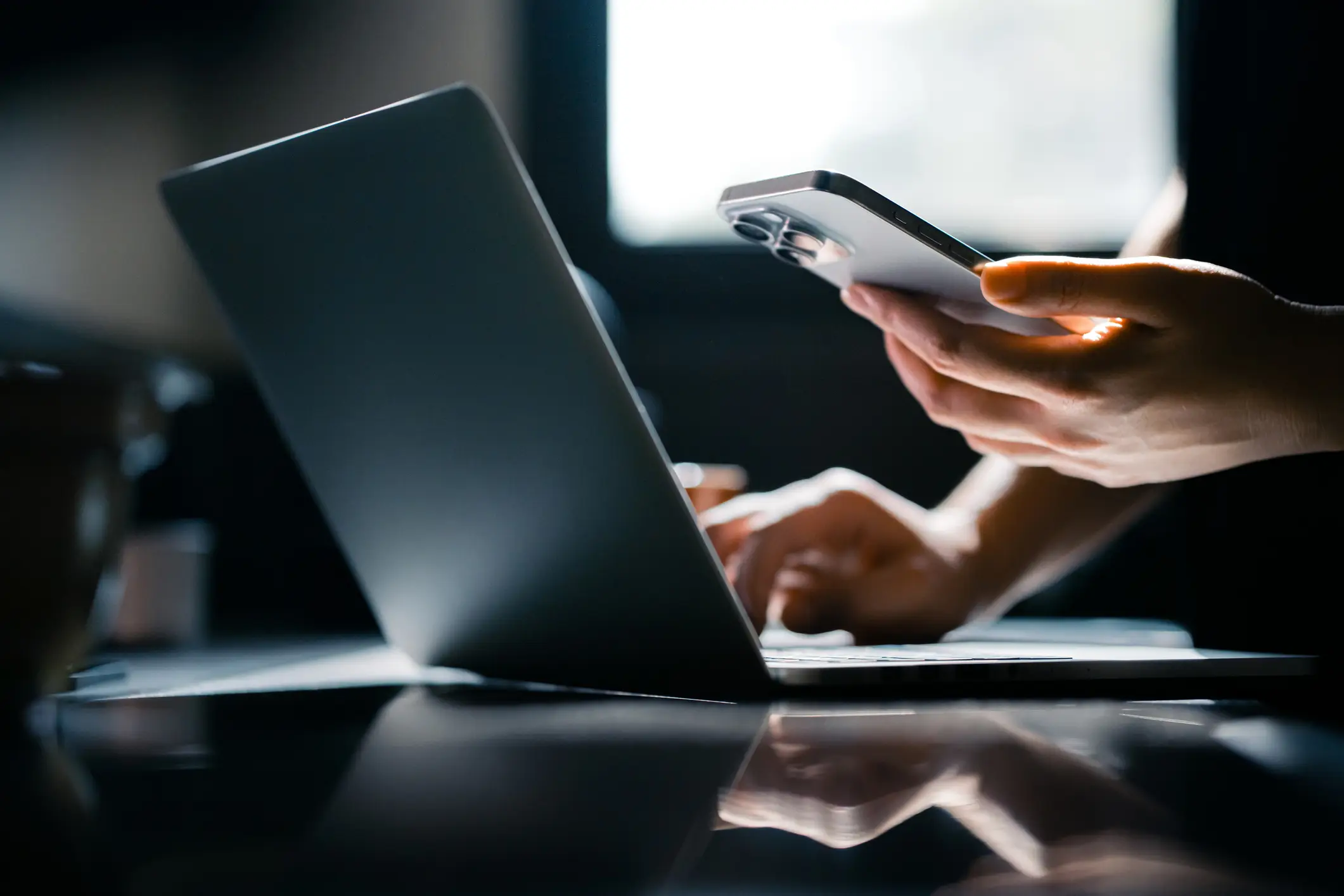
Turn on Airplane Mode
Airplane mode means only local data is visible during inspection, preventing cloud content from loading.
Basualdo added: "During any inspection, switching to flight mode or disabling data limits cloud content from loading while still allowing officers to view the minimal, travel‑only material you prepared."
Learn the rules
US authorities can conduct basic device searches without warrants and sometimes use advanced forensic tools.
"US CBP can conduct basic searches and may retain copied data," Basualdo said. "CBP distinguishes between 'basic' searches (manual review of content on the device) and 'advanced' searches (using external equipment to analyse or copy data)."
Doing a bit of 'homework' on the country you're visiting in terms of documents 'will help lessen your anxiety and give you a smoother entry experience.'
Keep phones charged
Arriving with a fully charged phone prevents any delays with device access.
"Have your phone charged up completely and positioned for easy access, also, don't have several accounts or applications working that could lead to miscommunication during the inspection," noted Petzold.
Remain calm and polite
Finally, experts advise staying calm and cooperative during the immigration process to avoid unnecessary complications.
During the device inspection, travellers should answer questions directly and avoid sudden changes to the device, as this can raise suspicion and cause delays.
"Stay courteous, answer narrowly, and if asked to unlock, provide access only to the clean profile or device, which keeps your journey moving while keeping most of your personal life out of scope," Basualdo concluded.