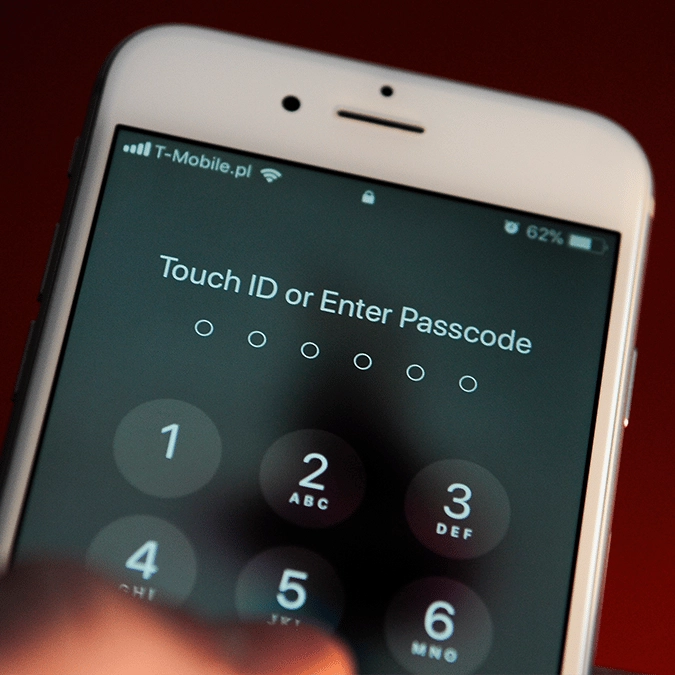
iPhone users using these PIN numbers urged to change them immediately


While almost everyone has Face ID and fingerprint protection enabled on their iPhone, it'll all be for naught if you don't have a good enough passcode to stop any thieves from accessing your data.
It doesn't even have to be that malicious either, as you likely just want to make sure that you're the only one who can access and unlock your phone, but with a common PIN number it won't take someone too many tries before they can sneak into your device.
Thankfully the most common iPhone passcodes have been identified in a comprehensive list, so if you happen to share one of these then you're best changing it to something that's a little harder to work out.
As reported by Phone Arena, here are all of the most popular four-digit PINs across iPhones, alongside their relatively popularity:
Advert
- 1234 (9.0%)
- 1111 (1.6%)
- 0000 (1.1%)
- 1342 (0.6%)
- 1212 (0.4%)
- 2222 (0.3%)
- 4444 (0.3%)
- 1122 (0.3%)
- 1986 (0.3%)
- 2020 (0.3%)
- 7777 (0.3%)
- 5555 (0.3%)
- 1989 (0.3%)
- 9999 (0.2%)
- 6969 (0.2%)
- 2004 (0.2%)
- 1010 (0.2%)
- 4321 (0.2%)
- 6666 (0.2%)
- 1984 (0.2%)
- 1987 (0.2%)
- 1985 (0.2%)
- 8888 (0.2%)
- 2000 (0.2%)
- 1980 (0.2%)
You can likely see a lot of patterns here, as most of these PIN number combinations follow a sequential string of numbers, short repetitive forms, or birth years.
Intriguingly most of the birth year combinations here are from the 1980s, which could perhaps be something to do with the age of the average iPhone customer when it launched in 2007. Someone born in the 80s would have been in their late teens or early 20s when it launched (and security was less of a major concern), and they could likely have held onto the same passcode over the years as a matter of convenience.
One look at the top five and there are absolutely no surprises though, with '1234' being undeniably the most common option. If you somehow have that as the gateway to your iPhone then you might as well disable it altogether as it'll be one of the first passcodes that someone attempts.
If you're looking for a good replacement passcode, it's best to stay away from any repetitive numbers or combinations that can be specifically tied to you like birthdays or house numbers - even if they're the easiest to remember.
Having a completely random combination of four unrelated numbers that has no meaning is the best protection, even if it can be difficult to recall at times, but many people recommend having a memorable four-letter word that corresponds to the number you'd have to press when texting on a telephone keypad.
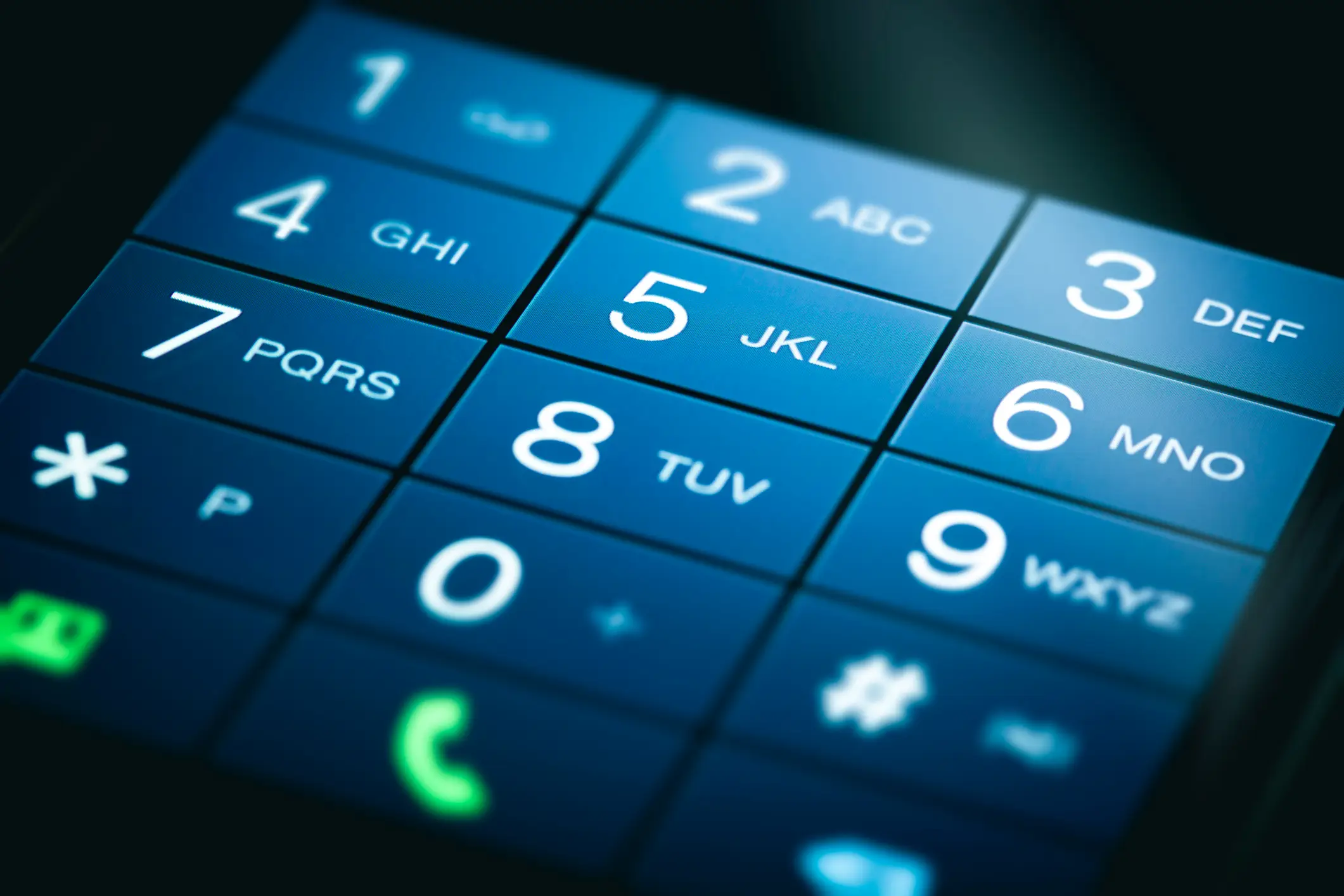
If you're unaware of what these combinations are, here are the corresponding numbers for each letter:
- 2 - ABC
- 3 - DEF
- 4 - GHI
- 5 - JKL
- 6 - MNO
- 7 - PQRS
- 8 - TUV
- 9 - WXYZ
So, if you wanted 'FIRE' to be your memorable word then your passcode would be 3473, so applying this to something you're likely to remember far more than any random string of numbers helps you create a passcode that's hard to crack but easy to recall.