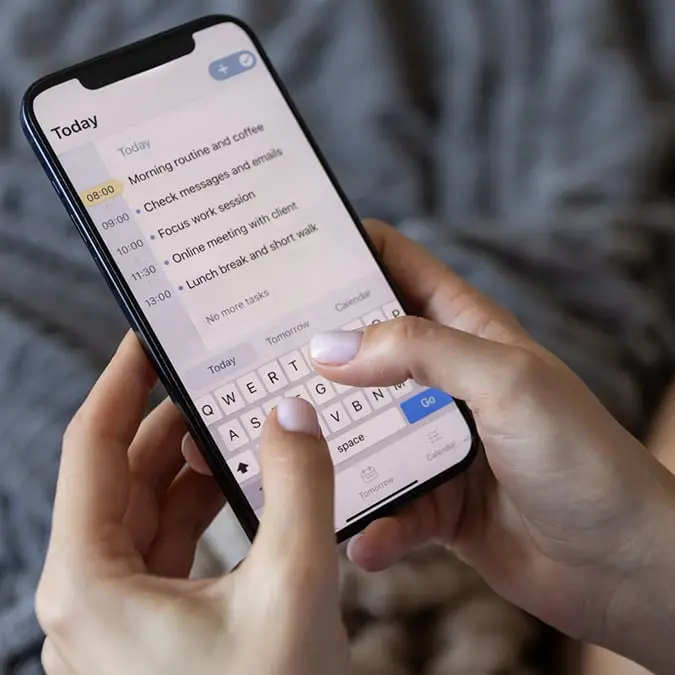
iPhone users beg Tim Cook for urgent fix to infuriating texting issue


Apple fans have been left displeased about a certain texting issue on the iPhone.
Some people have even resorted to begging Apple CEO Tim Cook to fix the problem described as getting ‘worse and worse’.
This comes as iPhone users have taken to social media to complain about the recurring issue they are facing when trying to send a message, and it all boils down to autocorrect.
Advert
On X, formerly Twitter, one user posted: “Dear @apple, I don’t know what is going on with your damn keyboard, but I have NEVER in the 19 years of owning iPhones, had to backspace, retype, start over, correct words as much as I am now! And what happened to autocorrect!? Is that not a thing anymore? Please fix this!”
This prompted others to share their own experiences on the matter, with one person saying: “Pretty much every time I try to type ‘love’ it says ‘live’ instead. Apple.. I will NEVER say ‘I live you’, after correcting it for the 500th time you'd think it would pick up on that.”
Another wrote: “Sometimes it changes a word and I have one heckuva time changing it. It's almost like my phone is insisting it's correct and it won't let me highlight it or move to the wrong letters to fix it. I end up tapping all over the place!”
A third user commented: “YES! It’s gotten worse and worse the last several iOS iterations! How is this even possible? Remember when Apple used to tout itself as the world‘s greatest UI/UX designers?”
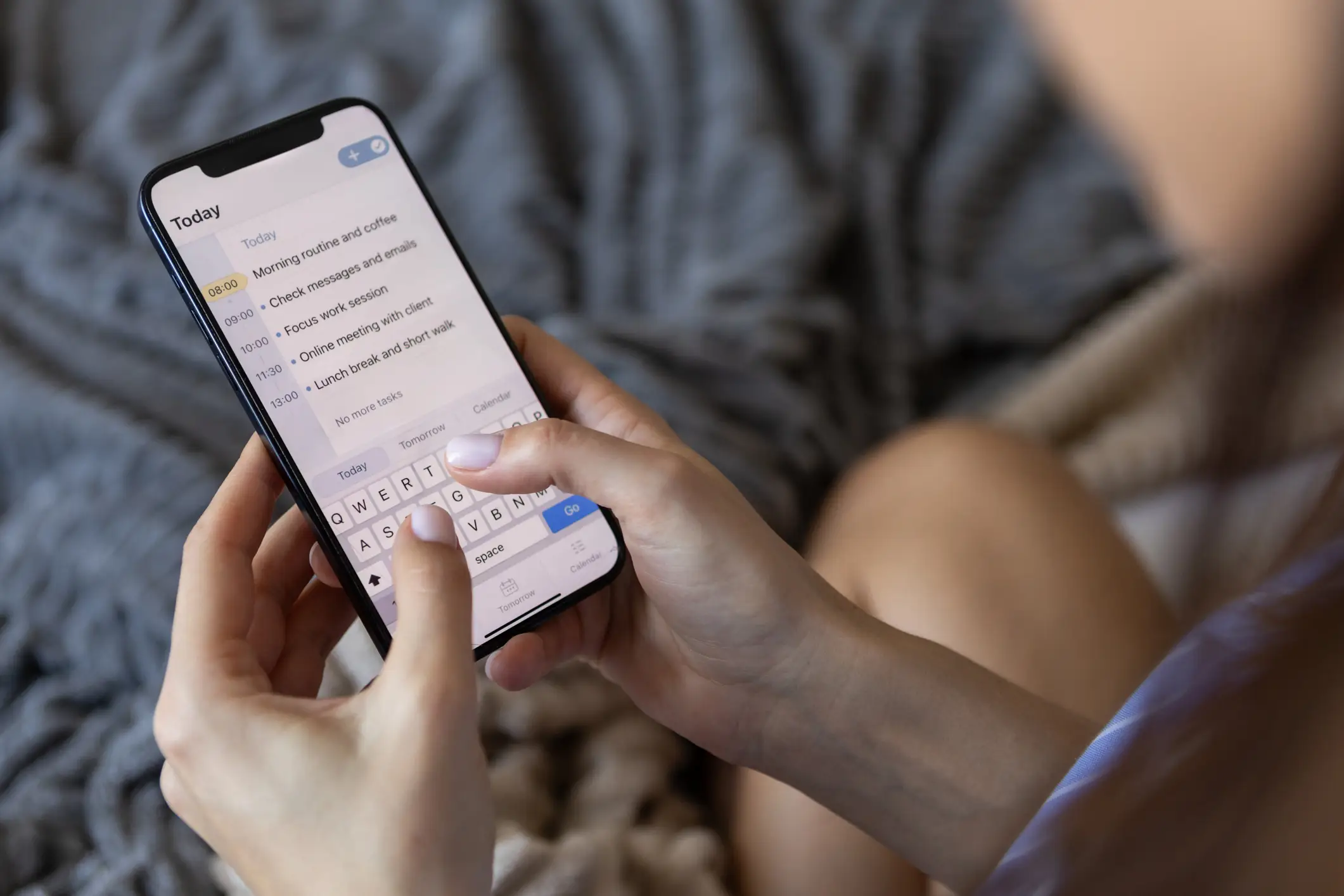
And a fourth added: “When the iPhone was introduced, Autocorrect was a nearly magical feature that worked so well I stopped even looking at the phone when I typed. It somehow always picked the right word. Now I have it turned off because it almost always picks the *wrong* word, or it just fails to correct at all.”
While the iOS 16.2 update released in December claimed to use AI to enhance the autocorrect feature, it doesn’t seem to have had a meaningful impact.
However, not all hope is lost as there appears to be a way to remove the function from your device and, while this won’t fix autocorrect, it might save you a headache!
All you have to do is head to the Settings app on your iPhone and click on General. From there, select Keyboard and you will be given the option to switch off autocorrect.