• News
    • Tech News
    • AI
  • Gadgets
    • Apple
    • iPhone
  • Gaming
    • Playstation
    • Xbox
  • Science
    • News
    • Space
  • Streaming
    • Netflix
  • Vehicles
    • Car News
  • Social Media
    • WhatsApp
    • YouTube
  • Advertise
  • Terms
  • Privacy & Cookies
  • LADbible Group
  • LADbible
  • UNILAD
  • SPORTbible
  • GAMINGbible
  • Tyla
  • FOODbible
  • License Our Content
  • About Us & Contact
  • Jobs
  • Latest
  • Topics A-Z
  • Authors
Facebook
Instagram
X
TikTok
Snapchat
WhatsApp
Submit Your Content
iPhone users left seriously 'dumbfounded' after discovering why there's two different screens for answering calls

Home> Apple> iPhone

Published 15:35 24 Nov 2025 GMT

iPhone users left seriously 'dumbfounded' after discovering why there's two different screens for answering calls

When receiving a call on iPhone, there are two different display options

Rikki Loftus

Rikki Loftus

google discoverFollow us on Google Discover

iPhone users have been left seriously ‘dumbfounded’ after finding out why there are two different screens for answering calls.

The discovery has prompted many users to take to social media to share their surprise over it.

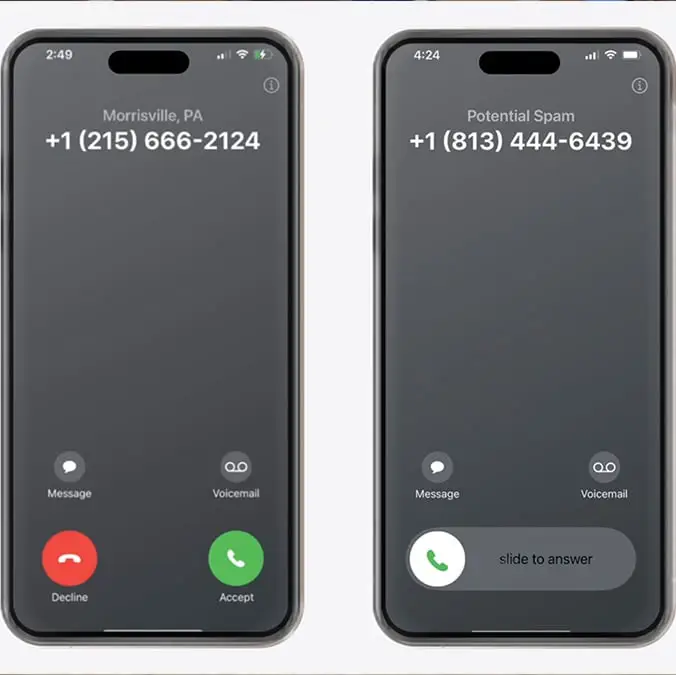
When a call comes through on an iPhone, there are two different screens which could pop up, but what is the reason behind this?

According to one YouTube video uploaded by Apple Explained, there is a method as to which screen will pop up depending on the call.

Advert

In the video description, it said: “When receiving a call on iPhone, you may see a screen with two buttons; red to decline, and green to accept.

“But other times, you may see a screen with a slider that says slide to answer, with no option to decline. What’s going on here? Well, Apple actually provides two different incoming call screens depending on the state of the iPhone.”

It turns out that when the device is unlocked, the incoming call display will give you the option to either accept or decline the call.

However, when the phone is locked, it will feature an option to slide to answer.

This is done so that you don’t accidentally accept calls when the iPhone is in your pocket.

Reacting to the information online, one user wrote in the YouTube comment section: “Yeah not having an obvious way to decline the call from the slider screen is hilarious because it led me to stare blankly at my phone waiting for the call to pass lmao. Then I found out about the lock button thing, although one press makes the ringing silent, and only the second actually rejects the call.”

Another said: “Genuinely dumbfounded that I didn't figure this out on my own.”
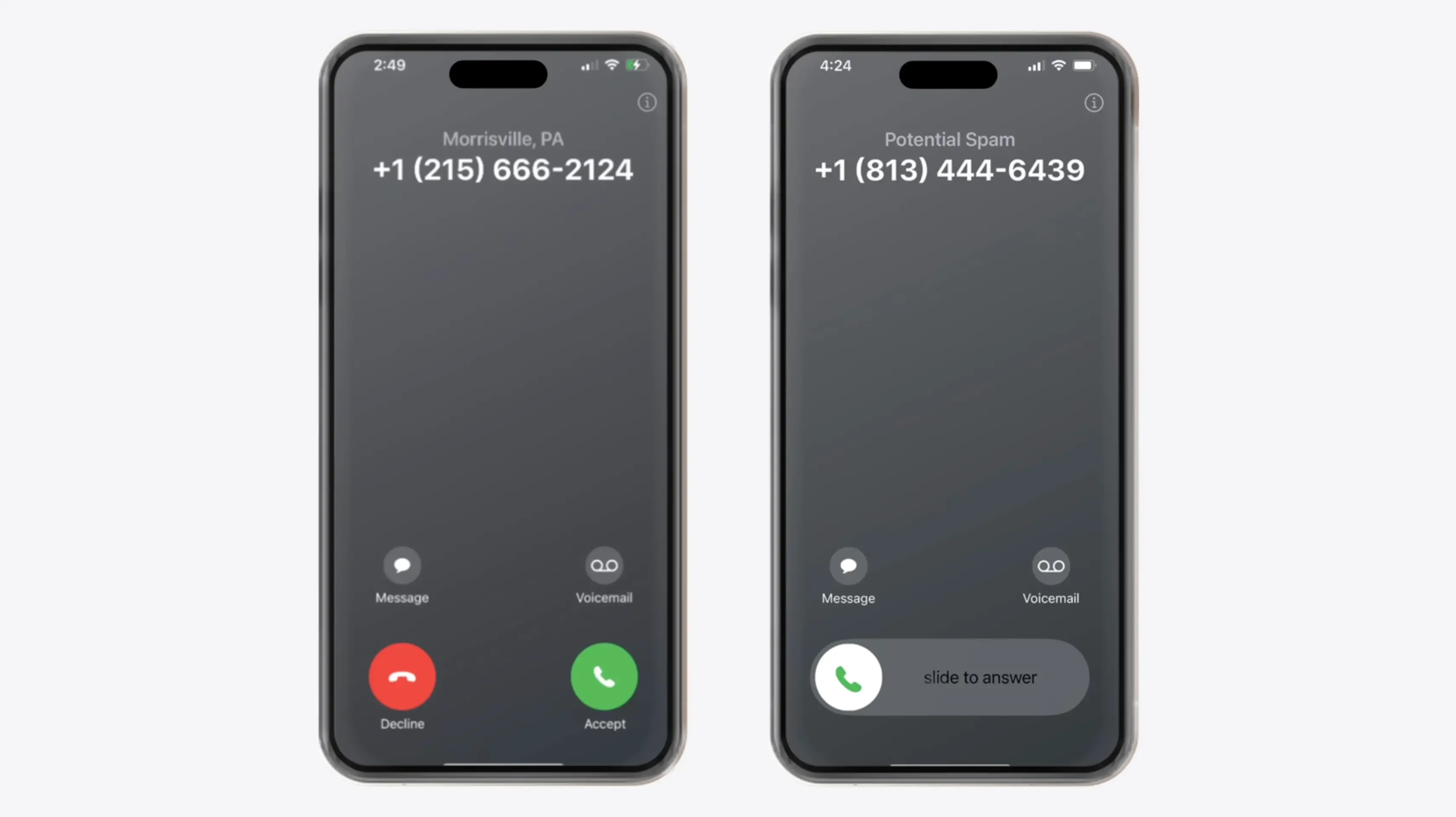
When receiving a call on iPhone, there are two different display options (YouTube/@AppleExplained)

A third person commented: “Having to explain the origin of butt dialing makes me feel old. Also, butt dialing happened with slide phones that had tactile buttons.”

And a fourth added: “Here's a novel idea, how about a slide to decline option to pair with the slide to answer?”

In other Apple news, the tech giant has reportedly stepped up its preparations for a potential replacement in case CEO Tim Cook steps down.

If he is to leave, it will mark the end of his 14-year run, but who is in the running to take over?

According to reports, there are a number of contenders, with one being hardware engineering chief John Ternus.

Featured Image Credit: YouTube/@AppleExplained
iPhone
Apple
Smartphone
iOS
Social Media
Youtube
Tech News
Tech tips

Advert

Advert

Advert

Choose your content:

14 hours ago
17 hours ago
20 hours ago
2 days ago
  • Jakub Porzycki/NurPhoto via Getty Images
    14 hours ago

    Apple will block certain app downloads in three countries from today

    Certain apps will now face verification blocks

    Apple
  • NurPhoto / Contributor via Getty
    17 hours ago

    The actual reason why your iPhone doesn't let you decline specific incoming calls explained

    We've all encountered this from time to time

    Apple
  • Kenneth Cheung via Getty
    20 hours ago

    Your iPhone is hiding an important tool in plain sight right by the camera lens

    It's a little hole with a giant purpose

    Apple
  • Nikolas Kokovlis/NurPhoto via Getty Images
    2 days ago

    Popular iPhone model becomes 'most traded-in smartphone' on the market as buyers regret purchasing

    It seems like many consider it an expensive mistake

    Apple
  • Little-known iPhone shortcut adds time saving button to your lock screen
  • Your iPhone is hiding an important tool in plain sight right by the camera lens
  • The actual reason why your iPhone doesn't let you decline specific incoming calls explained
  • iPhone users are just discovering 'life-changing' hidden feature that's 'so simple but so useful'