
AI assistants can now log into your accounts without seeing your password and here's how


A new tool has just been launched that will enable AI assistants to log into your accounts without it actually seeing your passwords.
This comes after password manager 1Password shared new platform known as 1Password for Agents which gives AI the ability to ‘work for you without taking over your digital life’.
It is hoped that this will boost efficiency and user experience without compromising cybersecurity.
In a blog post, 1Password explains: “Now, with 1Password for Agents, your agent can request to use a credential from your vault, and if you approve the request, 1Password directly auto-fills the credentials in the destination site so the agent doesn’t have access to the credentials.”
Advert
The tool will prove useful for enabling AI agents to continue with tasks without gaining access to sensitive data.
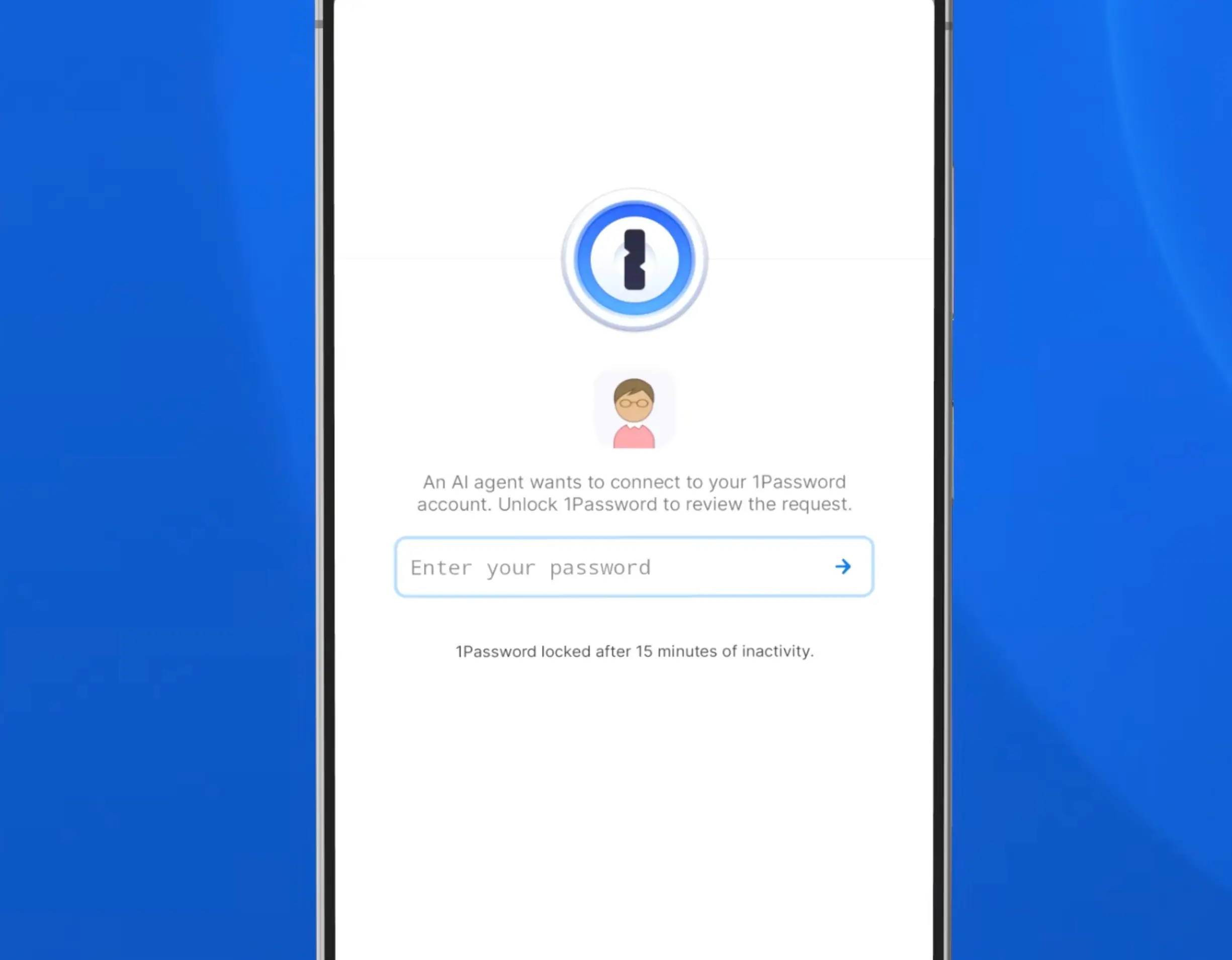
This comes after public concerns have continued to be raised in recent months over the potential safety risks surrounding the technology, especially after reports were published on multiple security breaches carried out by AI.
But with the advanced tech showing no signs of slowing down, the new tool from 1Password could give users a safer way to store their passwords.
How does 1Password for Agents work?
According to the company, the convenience of AI should not come at the expense of maintaining control over your privacy.
The platform continues: “An agent can make your weekly grocery list into an Instacart order or turn receipts from work trips into expense reports, but it should only access the accounts those tasks require based on the logins you approve.”
While other password managers don’t allow AI to sign in on your behalf, this new tool means that an agent doesn’t need to stop when it reaches a log in. This is because your passwords will be stored in a secure vault which the AI will not have access to but can be used to auto-fill passwords.
Instead, agents will be able to sign in simply and fast while the user maintains control over their personal and sensitive information.
1Password adds: With the 1Password integration for Muse, for example, you can ask an agent to create a party invitation, track RSVPs, and search for supplies on your budget. Muse requests access to RSVPify and Oriental Trading as needed. You choose which 1Password login it can use, and Muse will be able to get your party started without seeing the credentials or accessing anything else in your 1Password vault.”